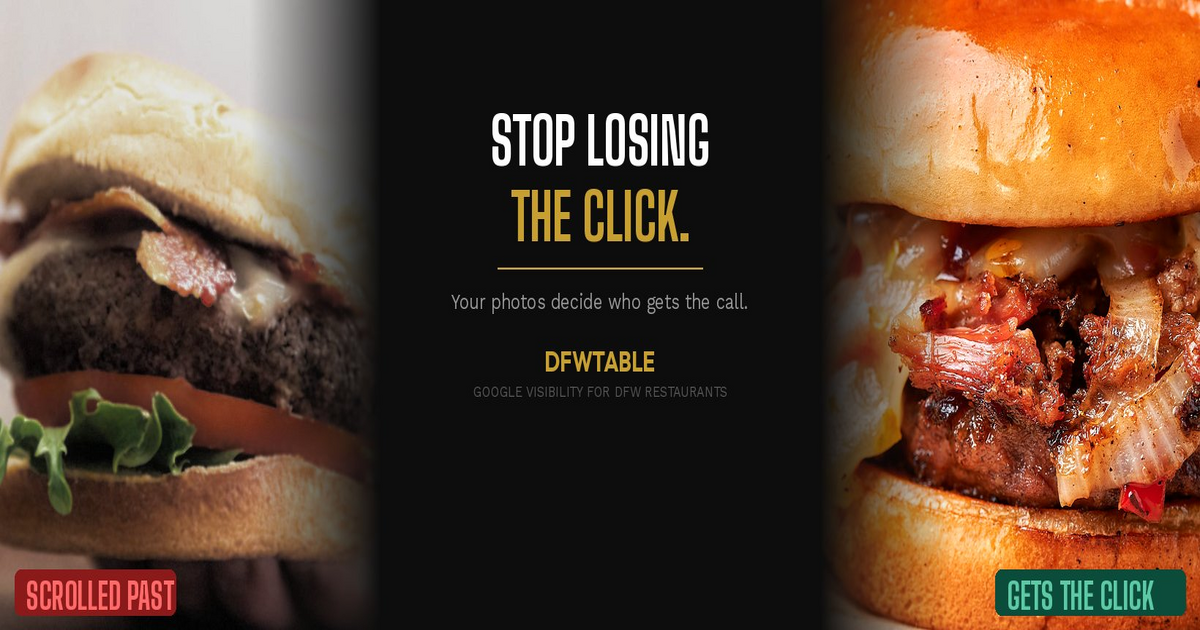
The most common Google Business Profile mistakes restaurants make are costing DFW owners customers every day. The five below show up on nearly every listing we audit, and each one pushes potential diners toward a competitor before they ever see your menu.
Google is the front door for restaurants in 2026. When someone searches “restaurants near me” or “best tacos in Dallas,” your Google Business Profile is the first thing they evaluate. Not your website. Not your Instagram. Your GBP listing. And if that listing has any of these five problems, you are handing revenue to the place down the street.
Mistake 1: Using Old, Low-Quality, or Stock Photos
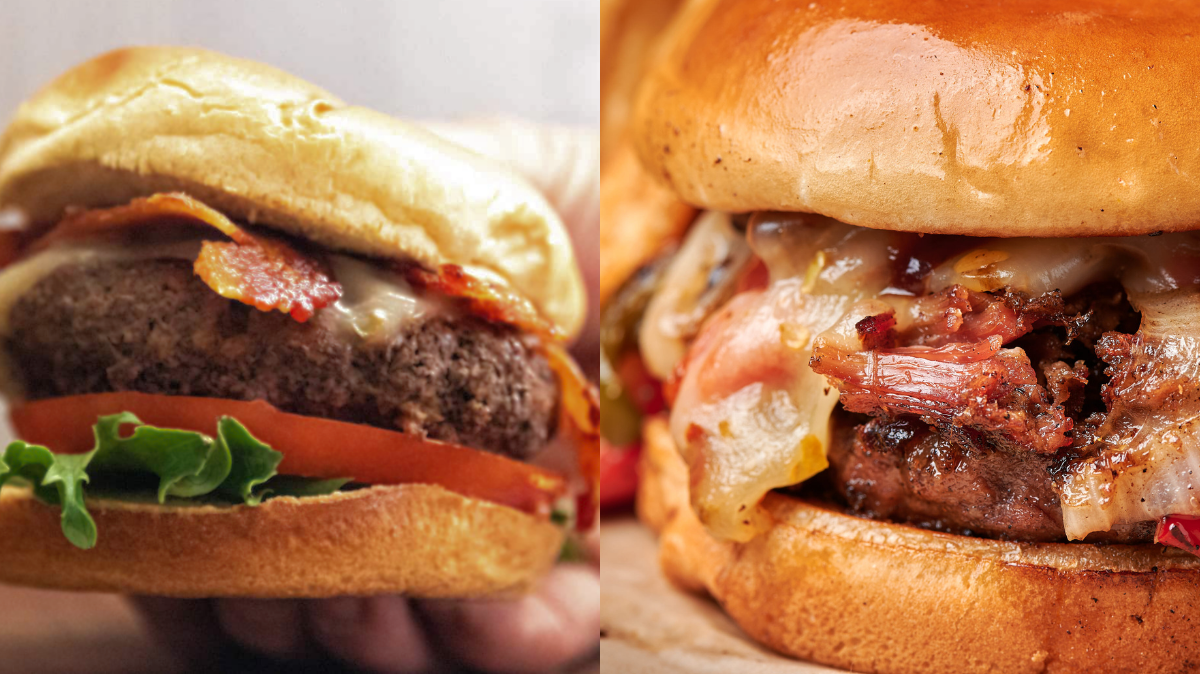
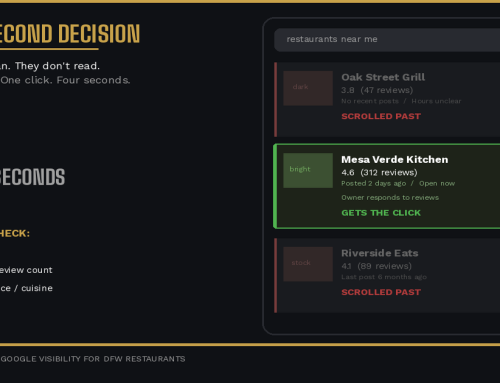
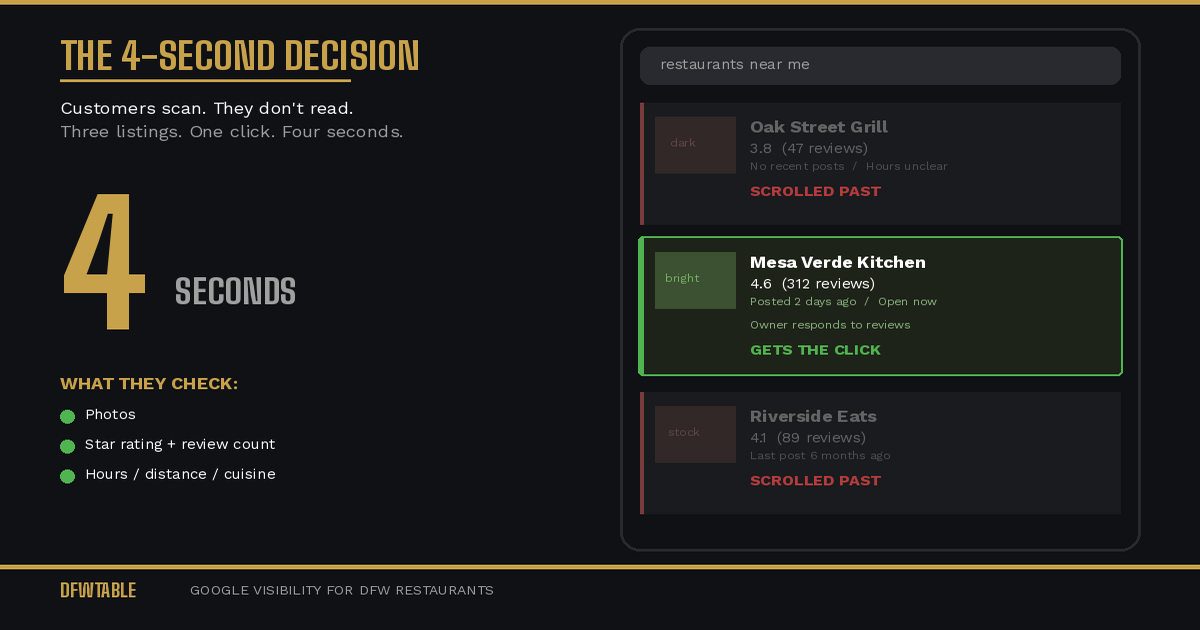
Your Google photos are doing more work than your entire marketing budget. Customers scroll through listings making snap decisions. If your photos look dark, blurry, outdated, or worse, are stock images, you lose that decision instantly.
Google’s own data shows that businesses with photos receive 42% more requests for directions and 35% more click-throughs to their website than businesses without. But it is not just about having photos. It is about having photos that accurately represent what a customer will experience today.
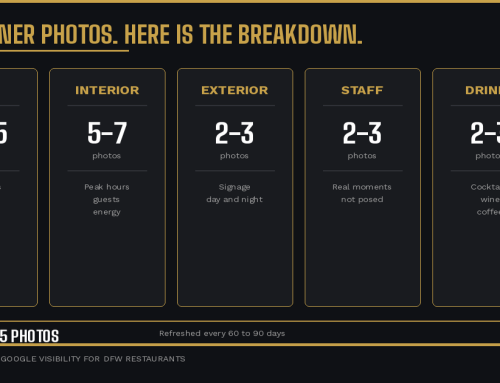
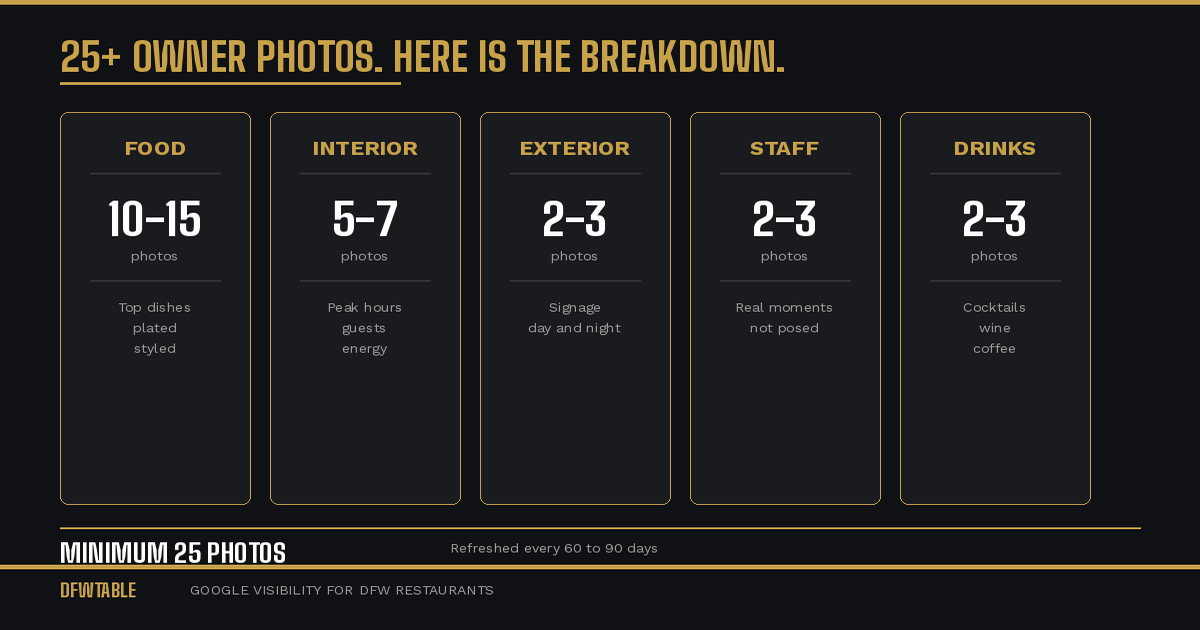
The fix: Replace every photo that does not look like your restaurant right now. Prioritize your top five most-ordered dishes, your interior during peak hours (with energy and guests visible), your exterior with clear signage, and at least one photo of your staff. Remove anything that looks dated, poorly lit, or shot on a phone in 2019.
Mistake 2: Wrong or Incomplete Business Information
This sounds basic, but we see it constantly. Hours that do not match reality. A phone number that goes to voicemail. No mention of patio seating, happy hour, or private dining. A missing or incorrect address that sends Google Maps users to the wrong location.
Every piece of missing or wrong information is friction. And friction kills conversion. If a customer cannot confirm your hours are accurate, they pick the restaurant where they can.
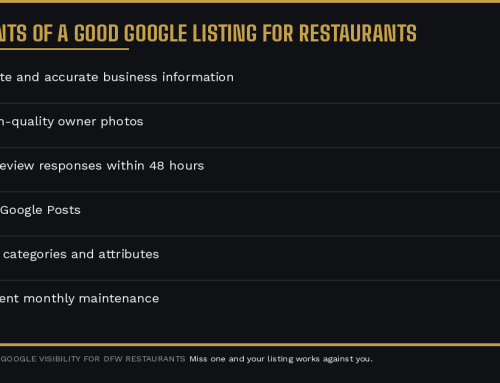
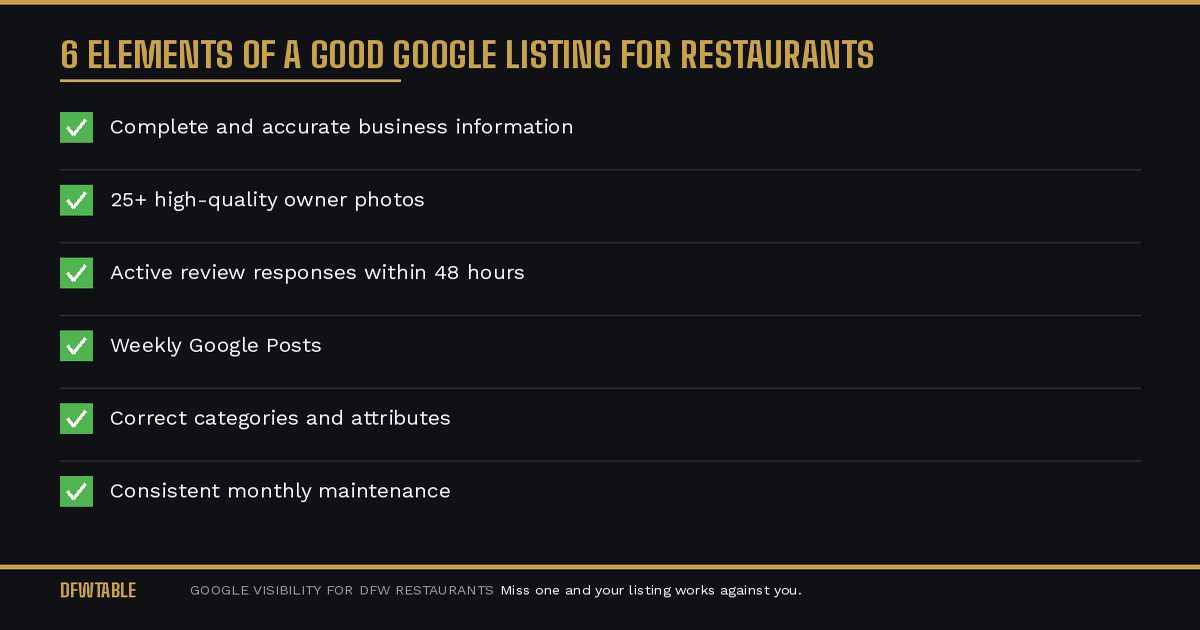
The fix: Audit every field in your GBP dashboard. Hours (including holiday hours and special hours), phone number, address, website URL, menu link, service options (dine-in, takeout, delivery, curbside), and attributes (outdoor seating, Wi-Fi, wheelchair accessible). Update anything that has changed in the last six months.
Mistake 3: Ignoring Reviews or Responding Generically
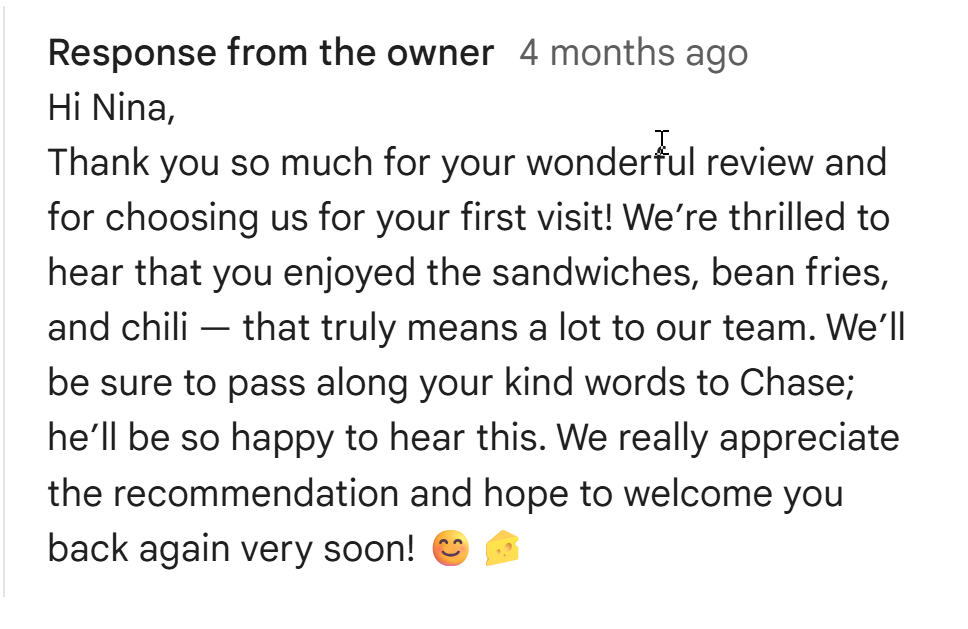
Reviews are not just social proof. Google uses review activity and owner responses as ranking signals. A restaurant with 200 reviews and no owner responses ranks lower and converts worse than a restaurant with 80 reviews where the owner responds to every single one.
Generic copy-paste responses (“Thanks for your review! We hope to see you again!”) are almost as bad as no response. Customers can tell. And Google’s systems can tell.
The fix: Respond to every review within 48 hours. Mention something specific from the review. For negative reviews, acknowledge the issue, explain what you are doing about it, and invite them back. For positive reviews, thank them by referencing what they enjoyed. This signals to both Google and future customers that someone is paying attention.
Mistake 4: Not Using Google Posts
Google Posts are free real estate on your listing that almost no restaurant in DFW uses. Posts show up directly on your profile when someone searches for you. They can feature specials, events, new menu items, or seasonal updates.
When you do not post, your listing looks static. Static listings signal to Google (and to customers) that the business might not be actively operating or engaged. Restaurants that post weekly see measurably higher engagement on their listings.
The fix: Post at least once a week. Feature a dish, announce a special, highlight an event. Include a photo and a call-to-action button. Each post stays visible for seven days, so a weekly cadence keeps your listing fresh at all times.
Mistake 5: Letting Customers Control Your Visual Story
Here is the one most restaurant owners miss entirely. When you do not upload enough quality photos, Google fills the gap with customer photos. Customer photos are uncontrolled. They might show a half-eaten plate, a blurry interior, a bathroom selfie, or a picture of the parking lot.
Your listing’s photo grid is a visual pitch to every potential customer. If you are not controlling it, your customers are making that pitch for you. And they are not trying to make you look good.
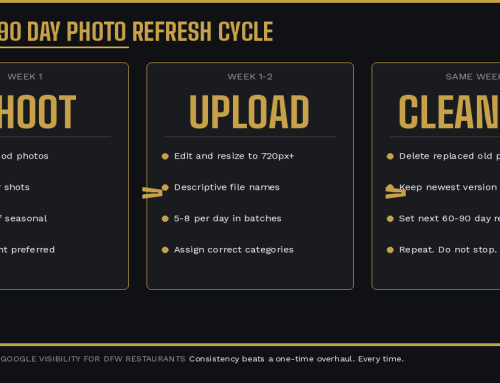
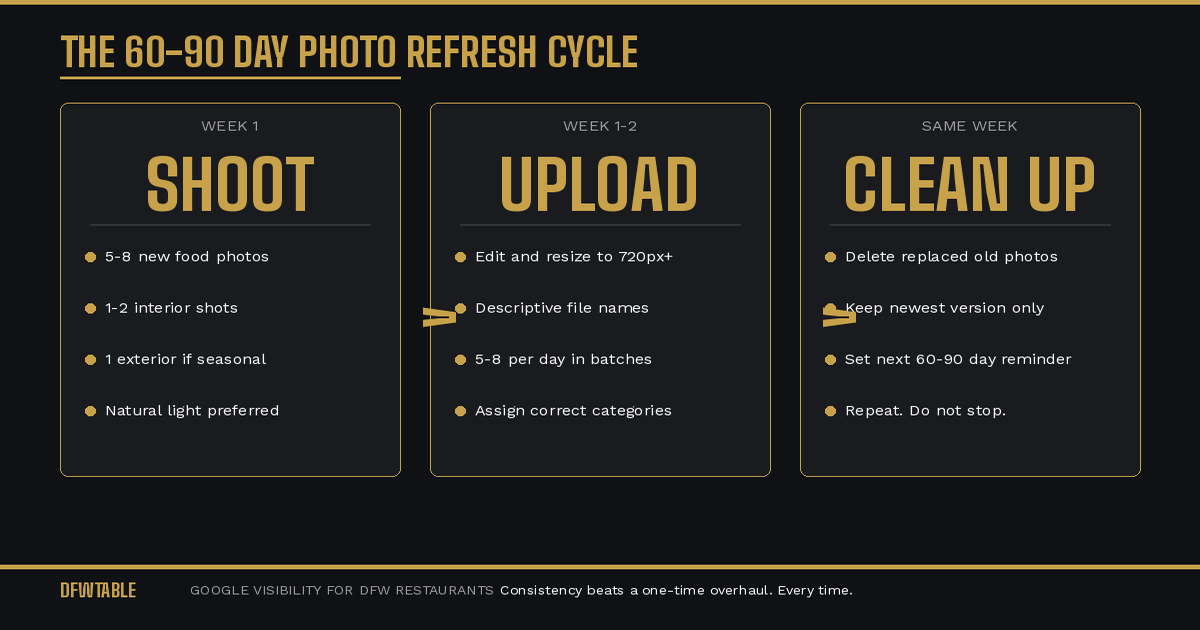
The fix: Upload enough high-quality photos that your images dominate the photo grid. Google tends to prioritize owner-uploaded photos, but only if you have enough of them and they are recent. Aim for 25 or more owner photos, refreshed every 60 to 90 days, so your visuals always outnumber and outrank customer uploads.
How to Fix Google Business Profile Mistakes Restaurants Make
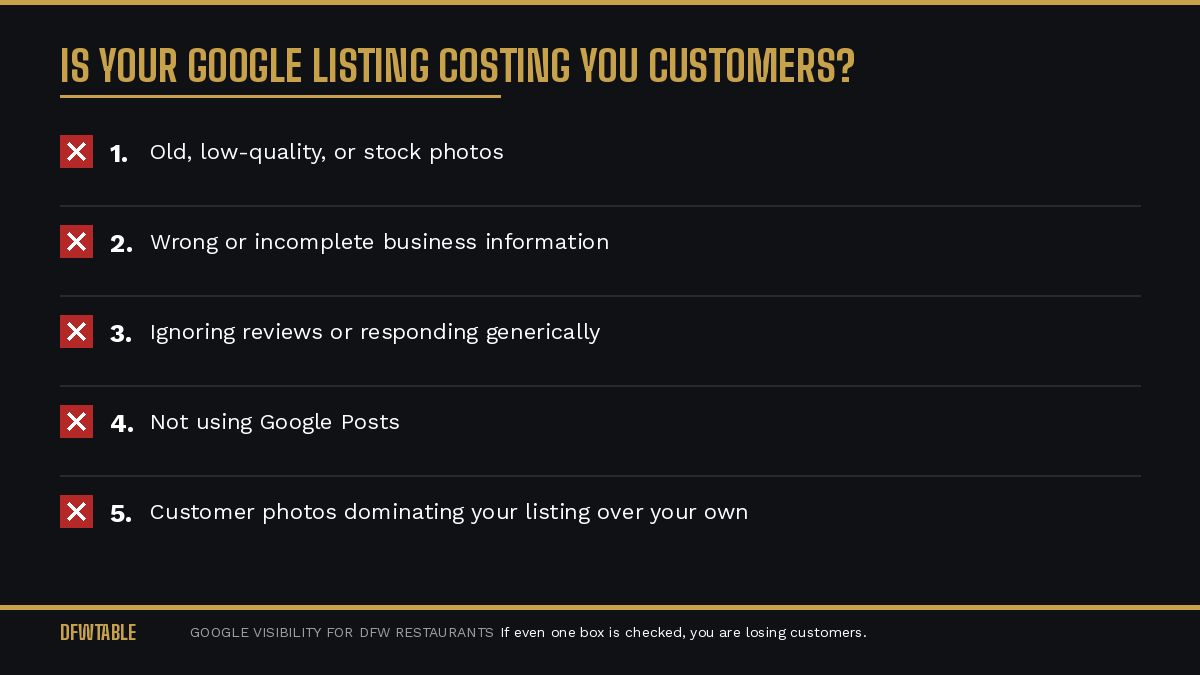
These five mistakes share a root cause: most restaurant owners treat their Google listing as a set-it-and-forget-it task. They filled it out when they opened and never touched it again. But Google rewards activity, accuracy, and freshness. A neglected profile does not just sit still. It actively loses ground to competitors who are paying attention.
If your DFW restaurant needs help fixing these issues, DFWTable provides Google Business Profile help for Dallas restaurants. Learn why restaurants lose customers on Google and start with a free Google audit to see exactly what is costing you customers.

Leave A Comment