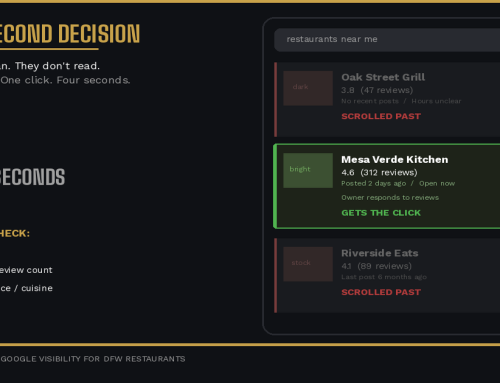
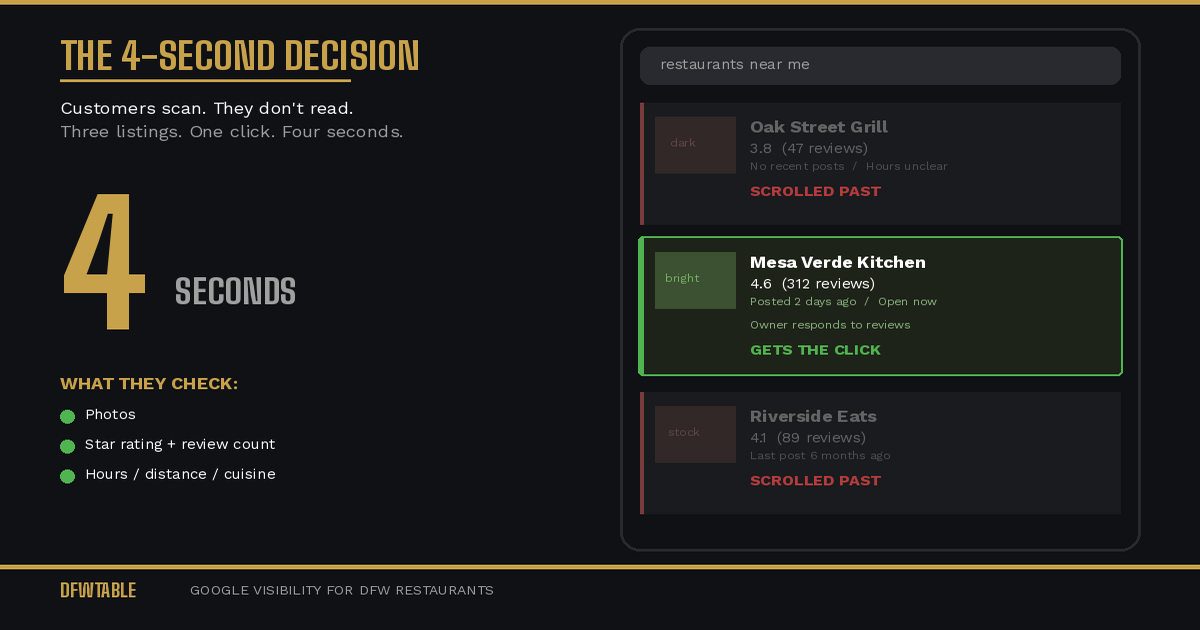
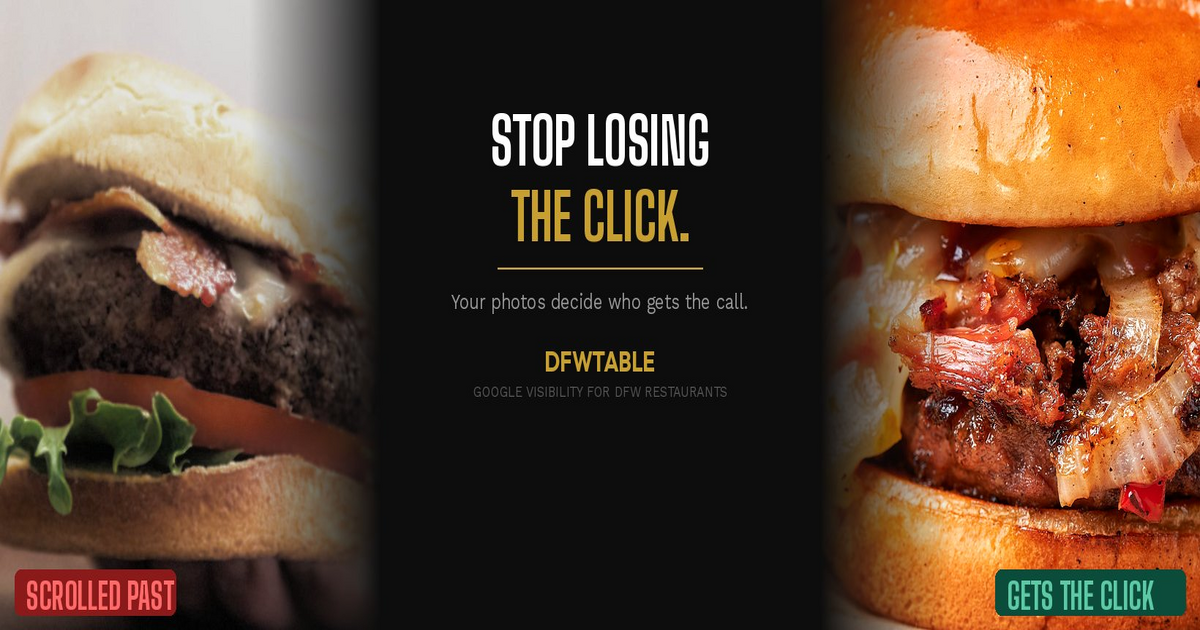
Want to fix restaurant Google Business Profile photos that are costing you customers? Start by replacing every low-quality image, uploading at least 25 owner photos, and refreshing them every 60 to 90 days. Photos are the single biggest factor in whether a customer clicks your listing or scrolls past it, and most restaurants get them wrong.
Google reports that businesses with photos receive 42% more requests for directions and 35% more website clicks. But the gap between “has photos” and “has the right photos” is where restaurants lose customers without realizing it.
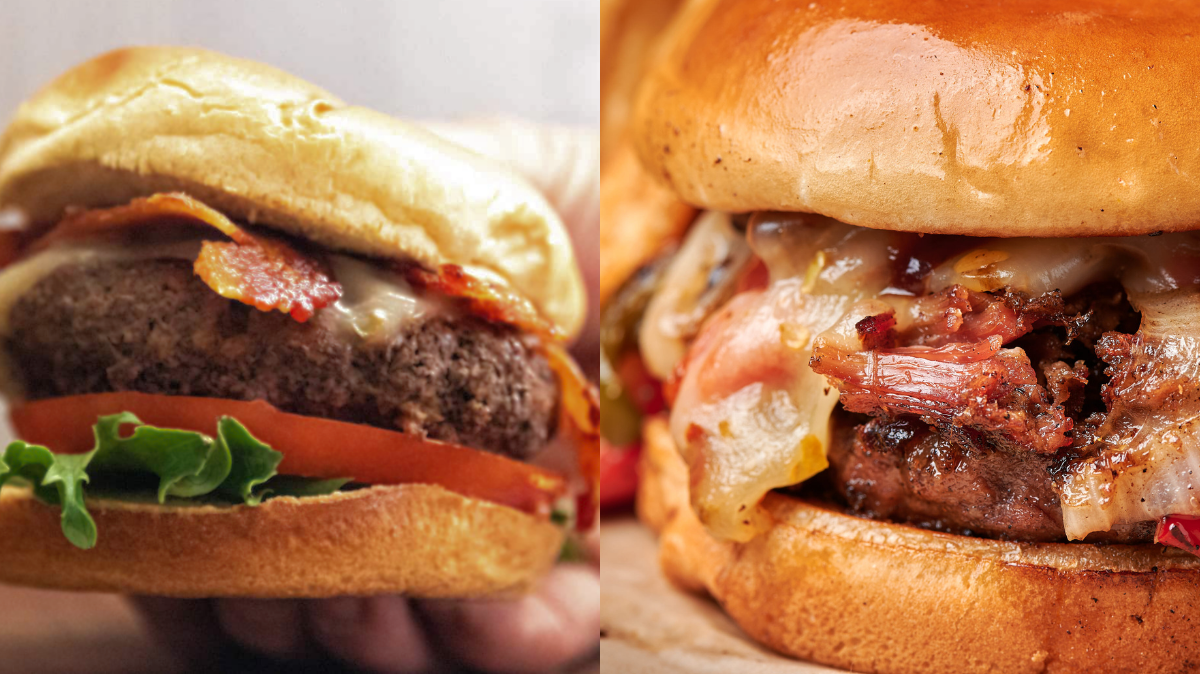
Why Your Current Photos Are Probably Hurting You
Most restaurant owners uploaded photos once, when they opened or when they first claimed their listing. Those photos are now outdated, do not reflect the current menu, and may show an interior that has been remodeled, redecorated, or just aged.
On top of that, Google allows customers to upload photos to your listing. You cannot delete customer photos (you can flag them, but Google rarely removes them unless they violate policies). So if you have not uploaded enough quality owner photos, customer images dominate your grid. And customer photos are unpredictable: half-eaten plates, bad lighting, bathroom mirrors, parking lots.
The result is a listing that visually misrepresents your restaurant to every person who searches for it.
What Google’s Photo Algorithm Actually Prioritizes
Google does not just display photos in the order you upload them. Its algorithm selects which photos to feature based on several factors:
Recency. Newer photos get priority over older ones.
Quality signals. Google’s image recognition can assess basic quality markers like lighting, focus, and composition.
Engagement. Photos that users view, zoom into, or interact with move up.
Categorization. Google sorts photos into categories (food, interior, exterior, menu, atmosphere). Having coverage across all categories helps your listing look complete.
This means uploading ten great food photos is not enough if you have zero interior photos. Google wants breadth.
The Photo Audit: What to Look For
Before uploading anything new, audit what you already have.
Open your Google Business Profile dashboard and go to the Photos section. Review every photo in every category.
Flag for removal:
- Any photo that is dark, blurry, or poorly lit
- Any photo showing dishes that are no longer on the menu
- Any photo of the interior that does not match the current look
- Any stock photo or graphic (Google penalizes these)
- Any photo you did not upload that misrepresents your restaurant
Flag as missing:
- Hero food shots of your top five dishes
- Interior at peak hours with guests and energy
- Exterior with visible signage (daytime and evening)
- Bar or drink presentation (if applicable)
- Staff in action
- Any seasonal or special menu items
You cannot delete customer photos, but you can report ones that are irrelevant, inappropriate, or misleading. Google sometimes removes them. More importantly, you can outrank them by uploading enough strong owner content.
How to Fix Restaurant Google Business Profile Photos Step by Step
Step 1: Remove What Hurts You
Delete every owner-uploaded photo that does not meet the quality bar. Go to your Google Business Profile dashboard, select Photos, and remove anything outdated, low-quality, or no longer accurate. Do this before uploading new photos so you are not fighting against your own old content.
Step 2: Shoot or Source New Photos
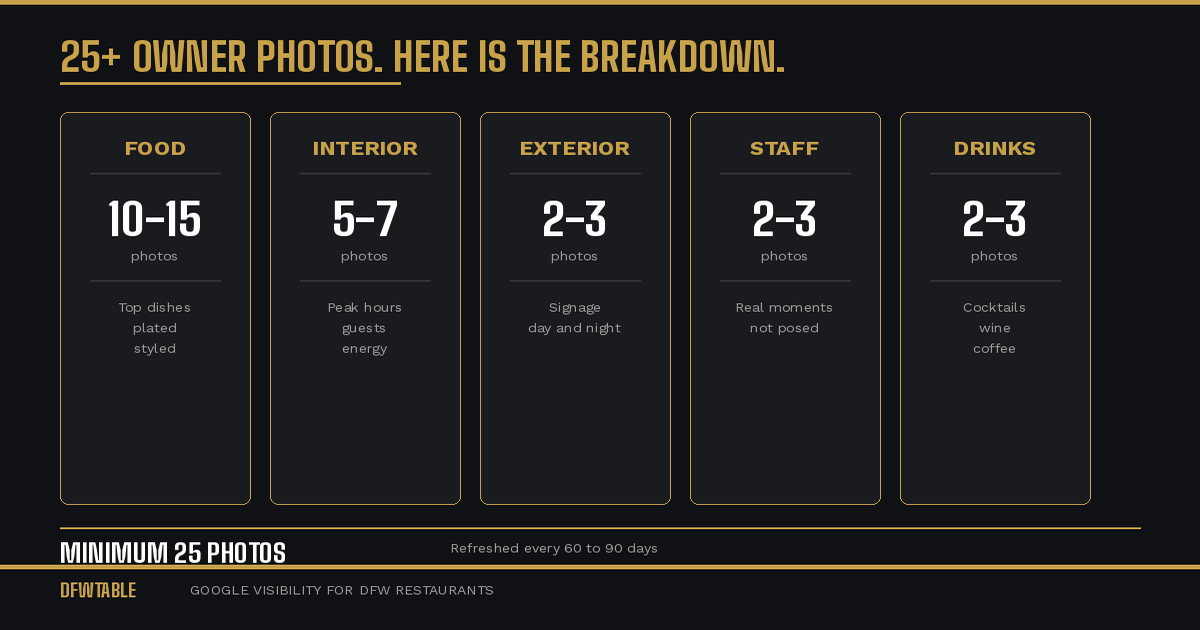
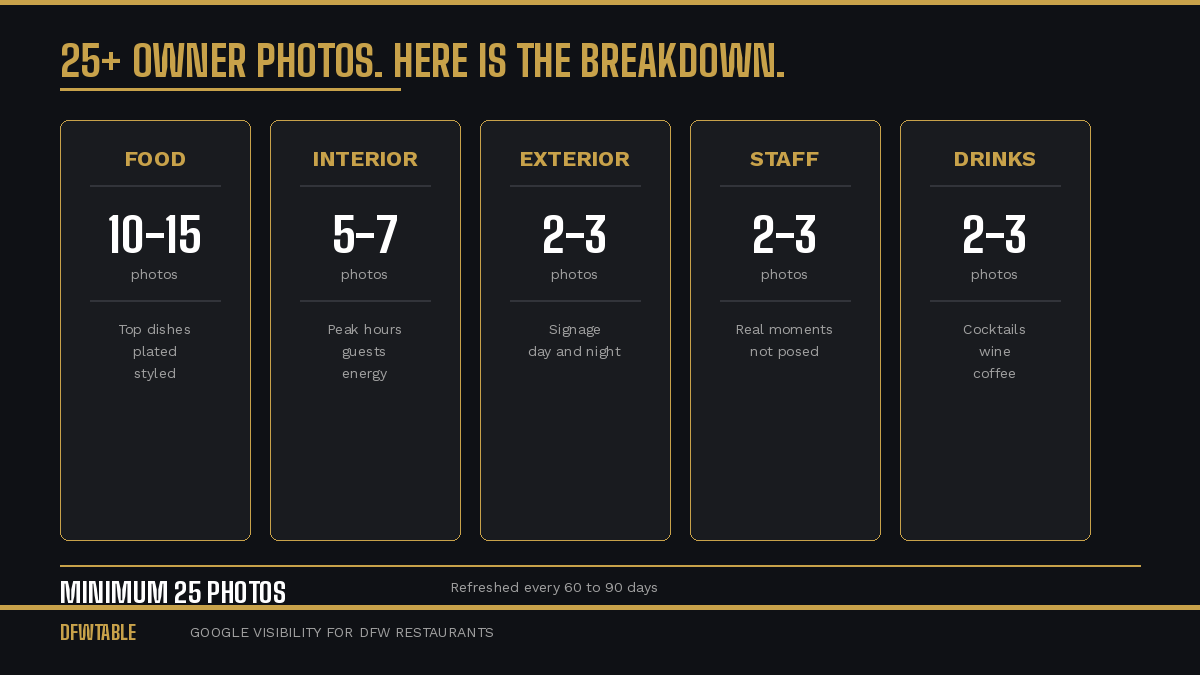
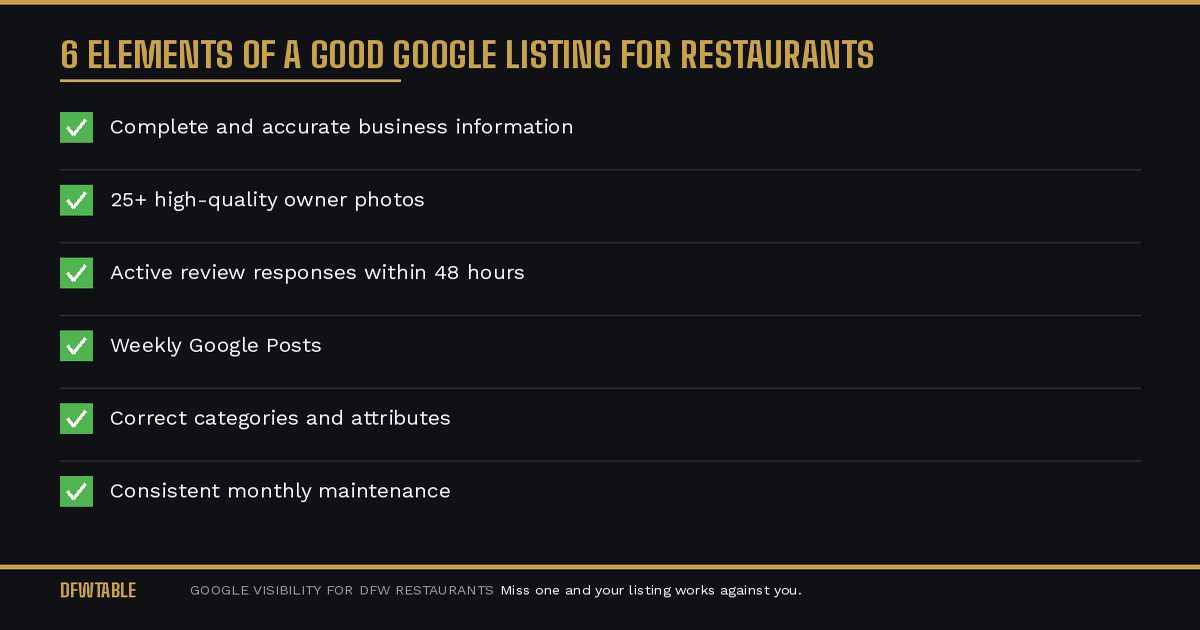
You need at least 25 photos across these categories:
Food (10-15): Your top-selling dishes, plated and styled. Good lighting. Clean background. Shoot during the day near a window if possible. Overhead and 45-degree angles work best for plated food.
Interior (5-7): During service with guests visible. Show the energy. Include different seating areas if you have them. One wide shot and two to three detail shots.
Exterior (2-3): Clear signage visible. One daytime, one evening with lights on. Street view perspective so customers can recognize the building.
Staff/atmosphere (2-3): Chef at work, bartender pouring, server delivering. Real moments, not posed.
Drinks/bar (2-3 if applicable): Signature cocktails, wine selection, coffee presentation.
Step 3: Optimize Before Uploading
Before uploading to Google:
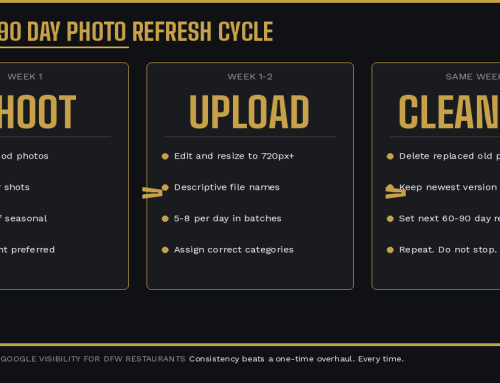
File names matter. Name each file descriptively: “grilled-salmon-dinner-dallas-restaurant.jpg” not “IMG_4582.jpg.” Google reads file names for context.
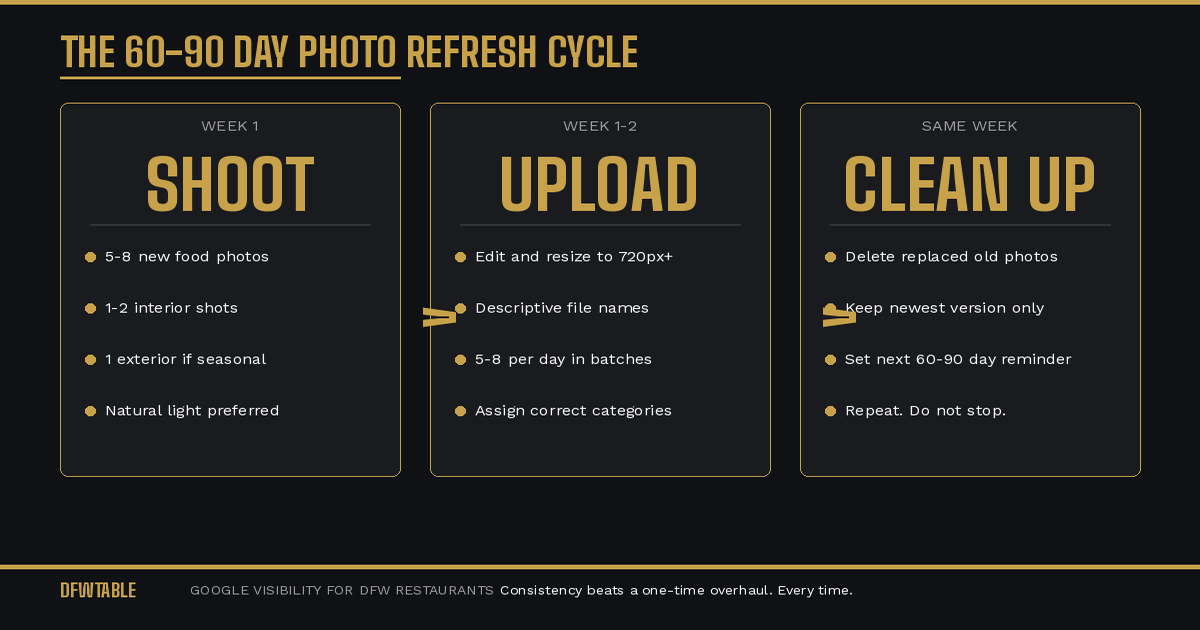
Resize to Google’s specs. Minimum 720 pixels wide. JPEG format. Keep files between 500KB and 5MB.
Add EXIF data if possible. Geotagging photos with your restaurant’s GPS coordinates adds a relevance signal. Most phones do this automatically if location services are on.
Step 4: Upload in Batches
Do not upload all 25 photos at once. Google can flag bulk uploads as suspicious. Upload 5 to 8 photos per day over three to four days.
Assign each photo to the correct category during upload: food, interior, exterior, at work, or team.
Step 5: Set a Refresh Schedule
Photos go stale. A listing that looks the same every time a customer searches loses its edge. Set a calendar reminder to update your Google photos every 60 to 90 days.
What to refresh each cycle:
- Swap in new dishes or seasonal menu items
- Update interior photos if anything has changed (decor, layout, lighting)
- Replace your oldest food photos with new versions of the same dishes
- Add event photos if you hosted anything noteworthy
The Mistake That Undoes All of This
The most common mistake restaurants make after fixing their photos is stopping. They do one big photo update and then do not touch the listing for six months. Google rewards recency. Your competitors who update monthly will eventually push you down, even if your initial photo set was stronger.
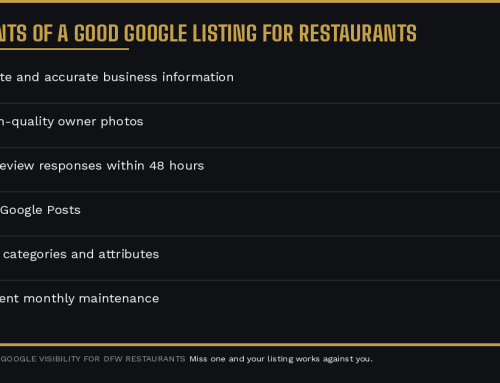
Consistency beats a one-time overhaul. Every time.
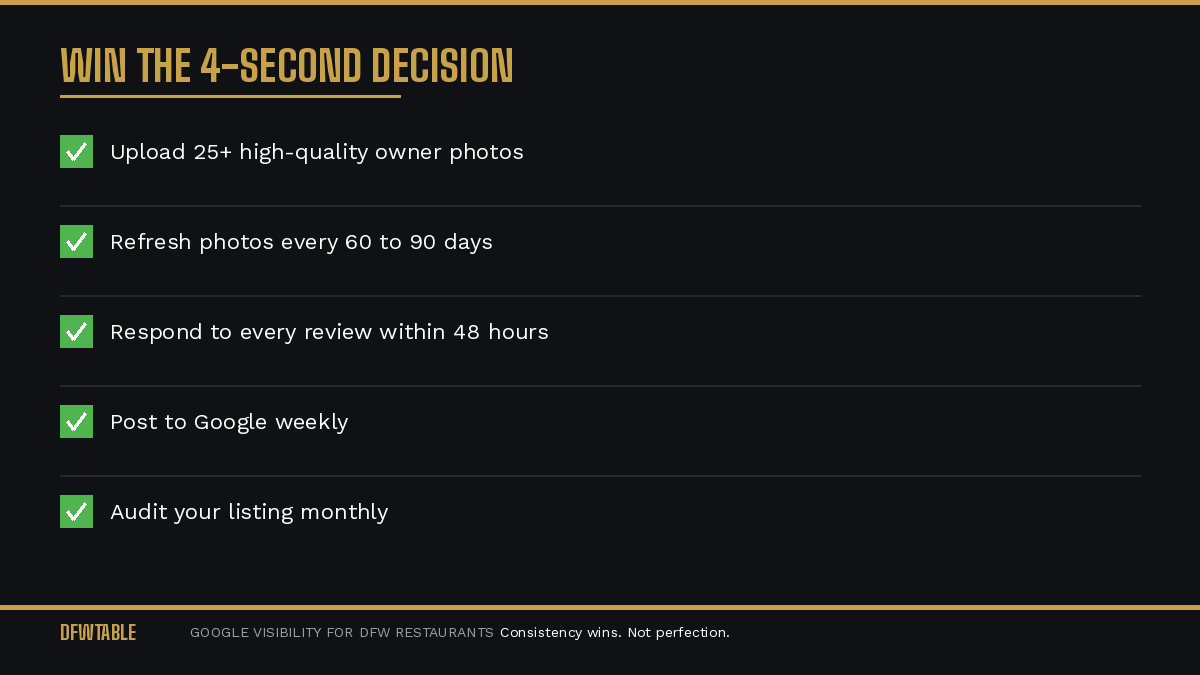
If your DFW restaurant needs professional photos that are built specifically for Google Business Profile performance, DFWTable provides Google Business Profile help for Dallas restaurants. Bad photos are one of the five GBP mistakes that cost restaurants customers, and they are the most visually obvious reason restaurants lose customers on Google.

Leave A Comment