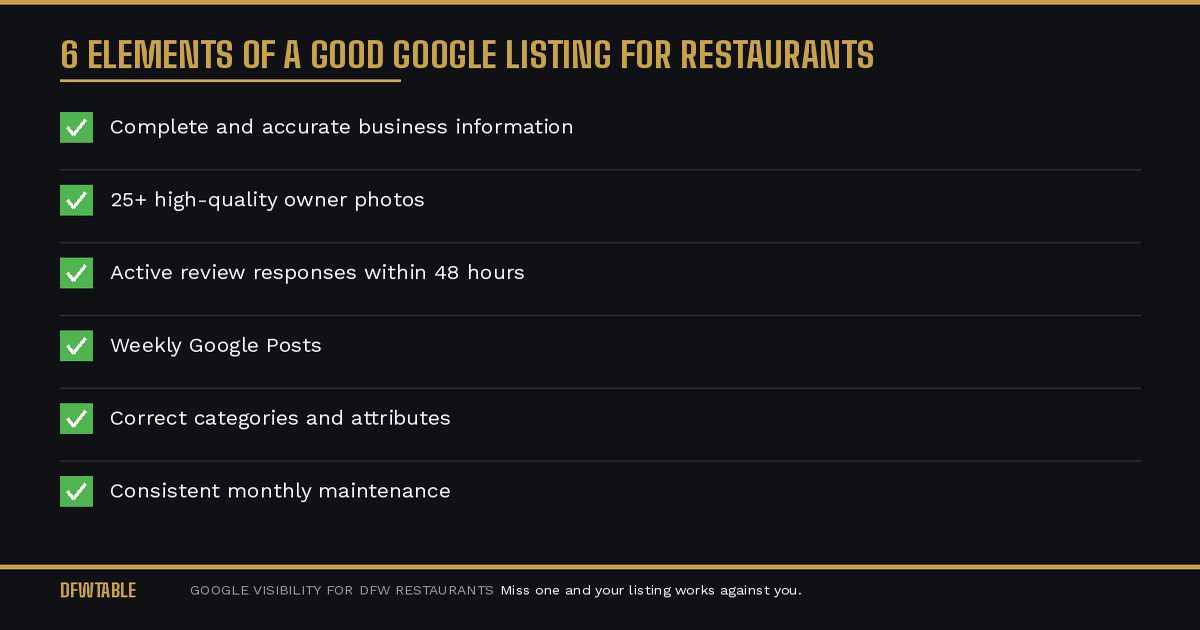
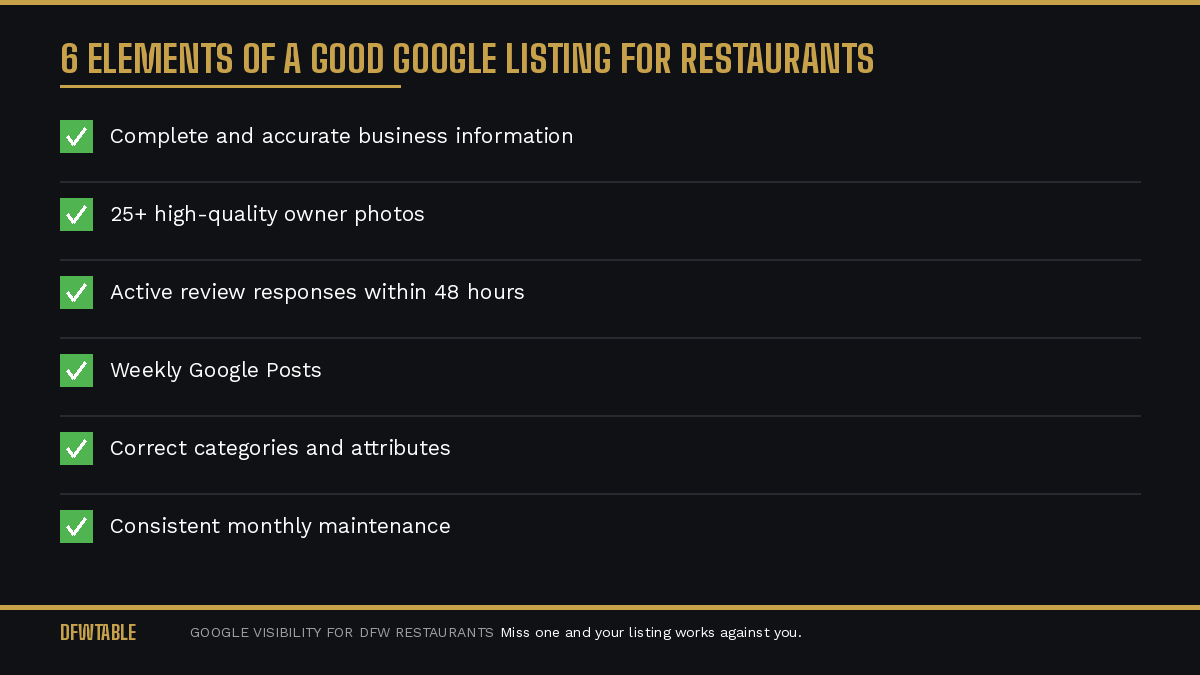
A good Google listing for restaurants has six things: complete and accurate business information, 25 or more high-quality owner photos, a strong review profile with active owner responses, weekly Google Posts, correct categorization and attributes, and consistent monthly maintenance. Miss any of these and your listing works against you instead of for you.
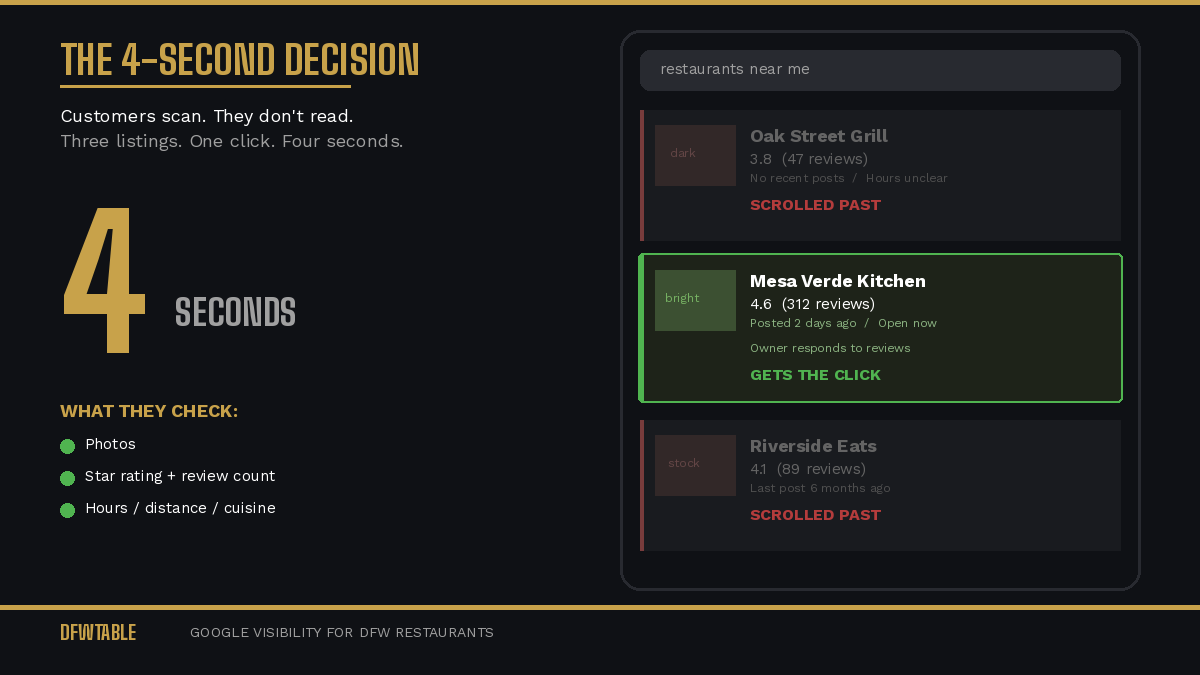
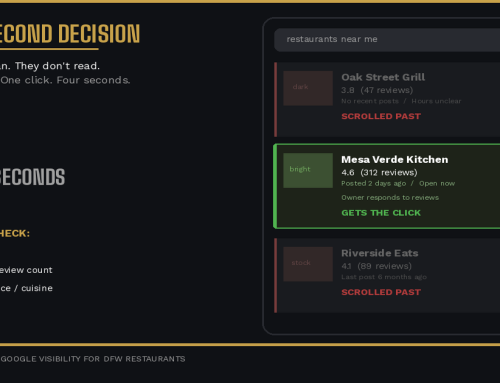
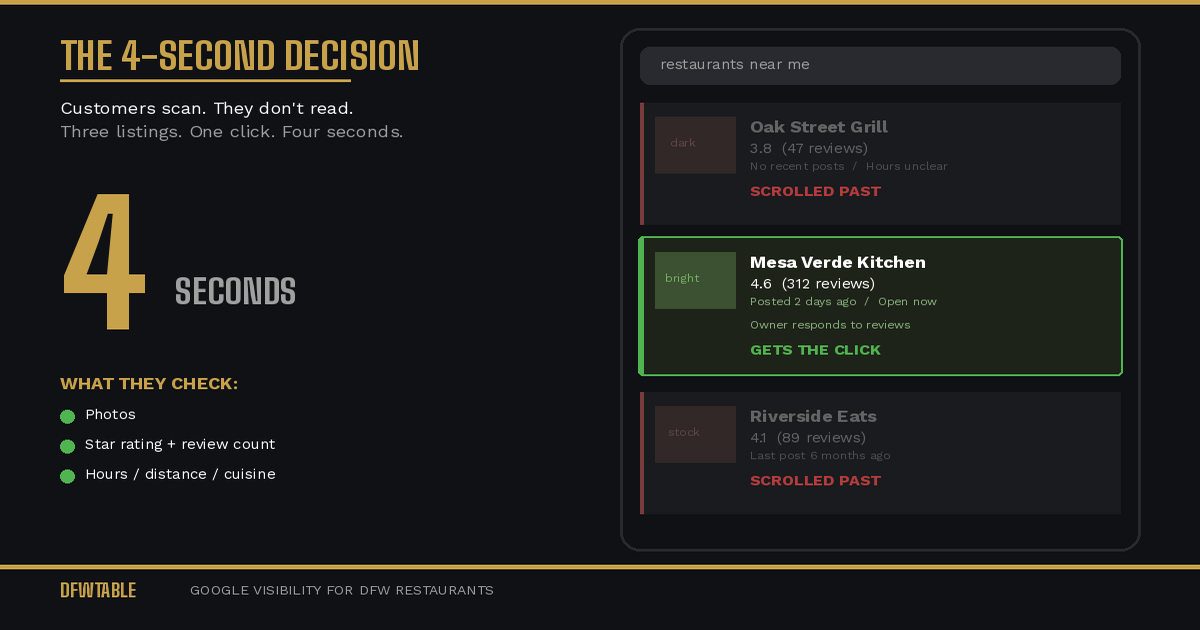
Most restaurant owners think “good” means “claimed and filled out.” It does not. A good listing is one that wins the customer’s click over three or four other options showing on the same screen. That is a much higher bar.
The Six Elements of a Good Google Listing for Restaurants
1. Complete and Accurate Business Information
Every field in your Google Business Profile dashboard exists because Google uses it to match your listing to search queries. Incomplete fields mean missed matches.
Non-negotiable fields:
- Business name (exactly as it appears on signage, no keyword stuffing)
- Address (verified and matching your actual location)
- Phone number (one that gets answered)
- Website URL (working, mobile-friendly)
- Hours of operation (including holiday hours and special hours updated in advance)
- Service options: dine-in, takeout, delivery, curbside (check every one that applies)
- Menu link (a live, current menu, not a PDF from last year)
- Price range
- Reservation link (if applicable)
Often missed fields:
- From the business description (750 characters max, use every one, include your cuisine type and neighborhood)
- Opening date
- Accessibility attributes
- Payment methods
- Health and safety attributes
Google auto-suggests some attributes. Accept every one that accurately describes your restaurant. These attributes feed into filtered searches (“restaurants with outdoor seating near me”) that can drive high-intent traffic.
2. Twenty-Five or More High-Quality Owner Photos
Photos are covered in depth in our guide on how to fix your Google photos, but here is the summary:
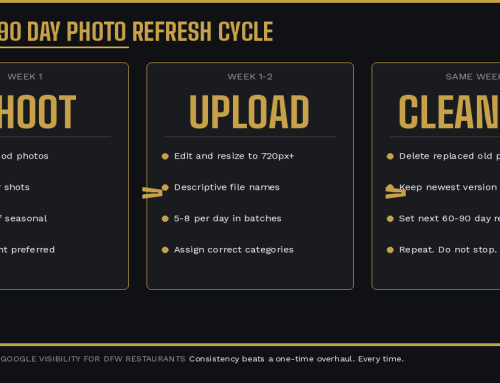
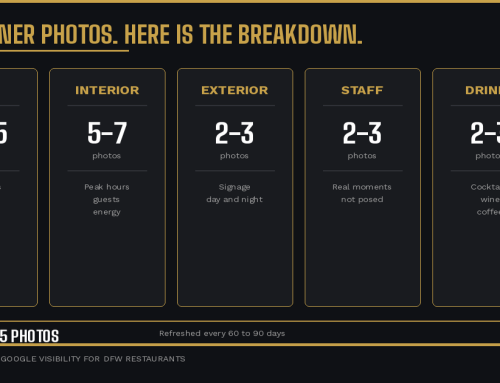
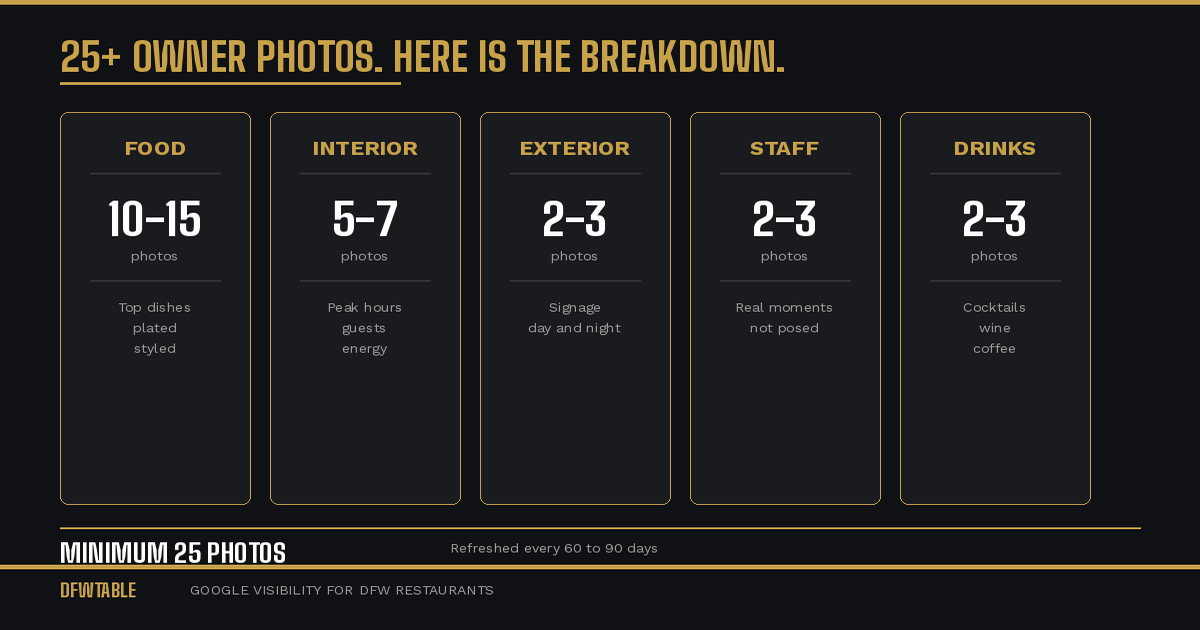
- Minimum 25 owner-uploaded photos across food, interior, exterior, staff, and drinks
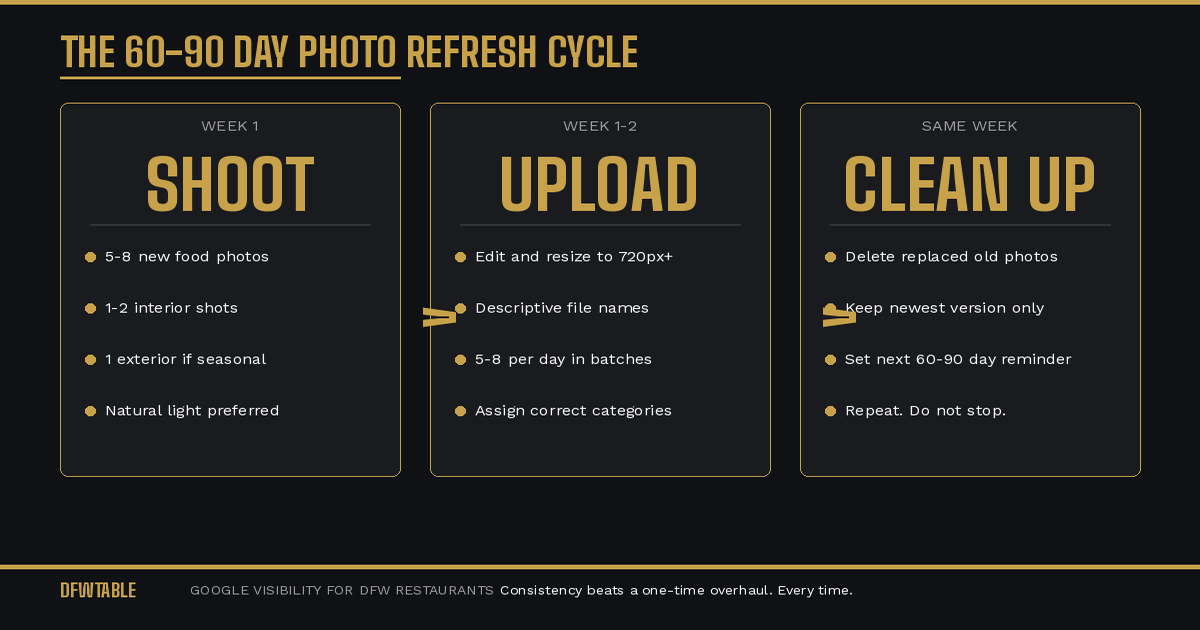
- Refreshed every 60 to 90 days
- Descriptive file names, not default camera labels
- Properly categorized during upload
- High enough volume to outrank customer-uploaded photos in the grid
A listing with five good photos is better than one with zero. But a listing with 25 or more good photos across all categories tells Google your profile is complete, active, and authoritative.
3. A Strong Review Profile With Active Owner Responses
“Strong” does not mean a perfect 5.0 rating. It means:
Volume. More reviews than your local competitors for the same search terms.
Recency. A steady stream of new reviews, not a cluster from two years ago.
Diversity. Reviews mentioning different aspects of your restaurant (food, service, atmosphere, specific dishes) help Google understand what you offer.
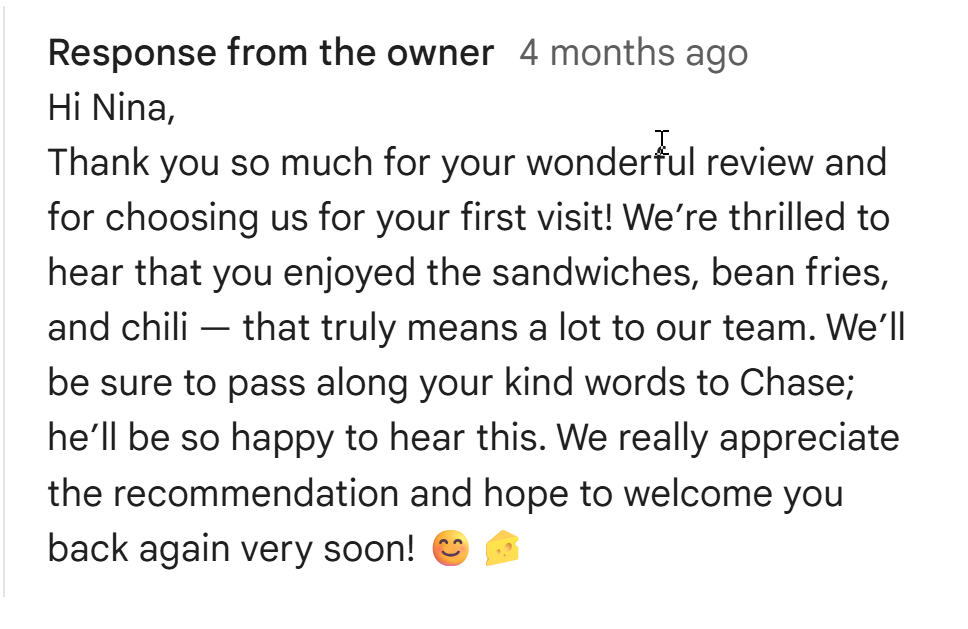
Owner responses on every review. This is the most controllable part and the most commonly neglected. Respond within 48 hours. Reference something specific from the review. For negative reviews, acknowledge, explain, and invite back.
A 4.3 with 400 reviews and active responses outperforms a 4.7 with 50 reviews and silence every time, both in ranking and in customer conversion.
4. Weekly Google Posts
Google Posts appear directly on your listing when someone searches for your restaurant. They are free, they keep your listing looking active, and they give you editorial control over what customers see.
Post types that work for restaurants:
- New dish or menu update with a photo
- Weekly special or limited-time offer
- Event announcement (live music, wine dinner, holiday hours)
- Behind-the-scenes content (kitchen prep, new ingredient sourcing)
- Community involvement or local partnership highlights
Each post stays visible for seven days. A weekly cadence means your listing never looks dormant. Include a call-to-action button (Order Online, Learn More, Call Now) on every post.
5. Correct Categorization and Attributes
Your primary category should be as specific as possible. “Restaurant” is too broad. “Mexican Restaurant,” “Seafood Restaurant,” “Barbecue Restaurant,” or “Italian Restaurant” gives Google a clearer match to specific searches.
You can add up to nine additional categories. Use them. If you serve brunch, add “Brunch Restaurant.” If you cater, add “Caterer.” If you have a bar, add “Bar.” Each additional category opens a new set of search queries where your listing can appear.
Attributes matter too. Google lets you specify dozens of attributes: outdoor seating, live music, good for groups, family-friendly, LGBTQ-friendly, veteran-owned, Black-owned. Every relevant attribute checked is another filter-based search where you show up.
6. Consistent Monthly Maintenance
A good Google listing is not a project. It is a process. Restaurants that treat their GBP as a living profile outperform those that treat it as a one-time setup.
Monthly checklist:
- Verify hours and contact info are current
- Upload 5 to 10 new photos
- Respond to all new reviews
- Publish at least 4 Google Posts (weekly)
- Update the menu link if anything has changed
- Check for and address any Google-suggested edits (Google sometimes changes your info based on user suggestions, you need to catch and correct these)
That last point is critical. Google allows anyone to suggest edits to your listing. If you are not checking regularly, your hours, phone number, or even your business name can be changed without your knowledge.
What Separates Good From Great
A good listing checks every box above. A great listing does something most restaurants never consider: it tells a visual story.
When a customer lands on your listing, the photos, reviews, posts, and description should all reinforce the same narrative. If your restaurant is a high-energy taco spot, your photos should show color, crowds, and plated tacos. Your reviews should reference the vibe. Your posts should feature weekly specials. Your description should mention the experience, not just the food.
Consistency across every element of the listing builds trust. Trust converts searchers into walkers-through-the-door.
If your DFW restaurant needs help building a listing that actually wins customers, DFWTable provides Google Business Profile help for Dallas restaurants. Start by checking whether you are making any of the five GBP mistakes we see on nearly every listing we audit.

Leave A Comment