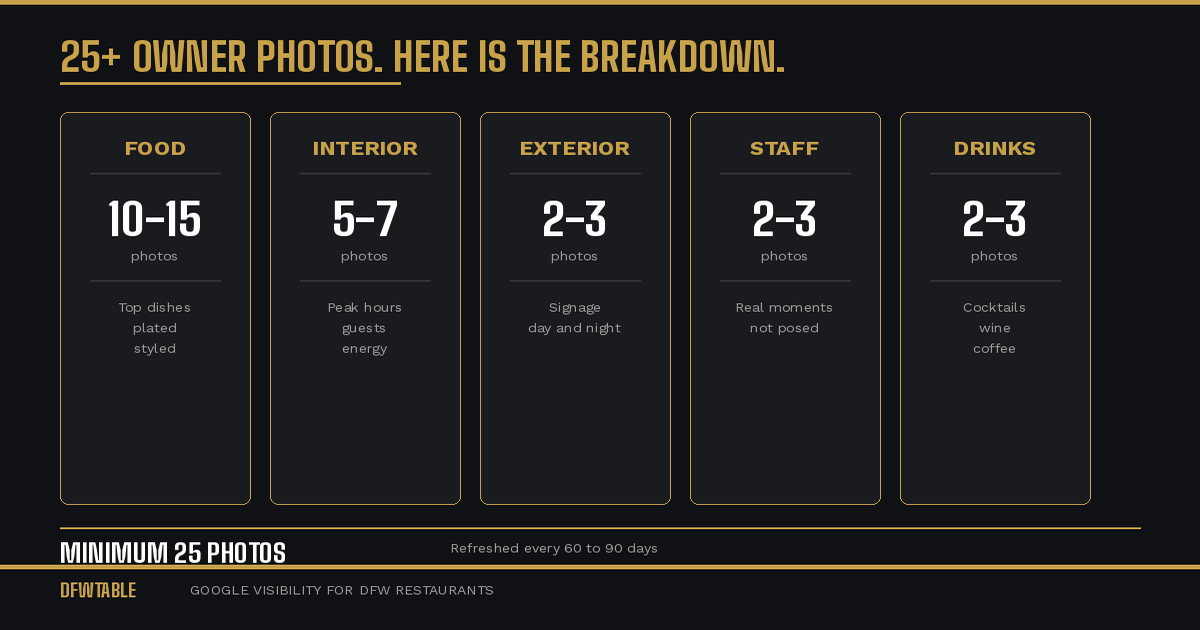
How often should restaurant update Google photos? Every 60 to 90 days at minimum. Google’s algorithm rewards recency across all listing signals, and photos are no exception. A listing with fresh photos outranks and out converts a listing with the same photos it had six months ago, even if those older photos are technically good.
The 60-to-90-day cycle is the sweet spot. Shorter than 60 days is unnecessary for most restaurants (unless you change your menu monthly). Longer than 90 days and your listing starts losing ground to competitors who refresh more often.
Why Google Cares About Photo Freshness
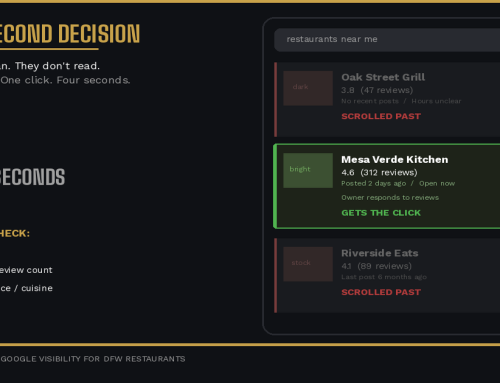
Google’s local ranking algorithm weighs three factors: relevance, distance, and prominence. Photo freshness falls under prominence. When Google sees a listing being actively maintained with new visual content, it reads that as a signal that the business is open, engaged, and worth showing to searchers.
The inverse is also true. A listing where the newest photo is from eight months ago tells Google nothing has changed. If a competitor down the street uploaded new photos last week, their listing looks more current. Google notices.
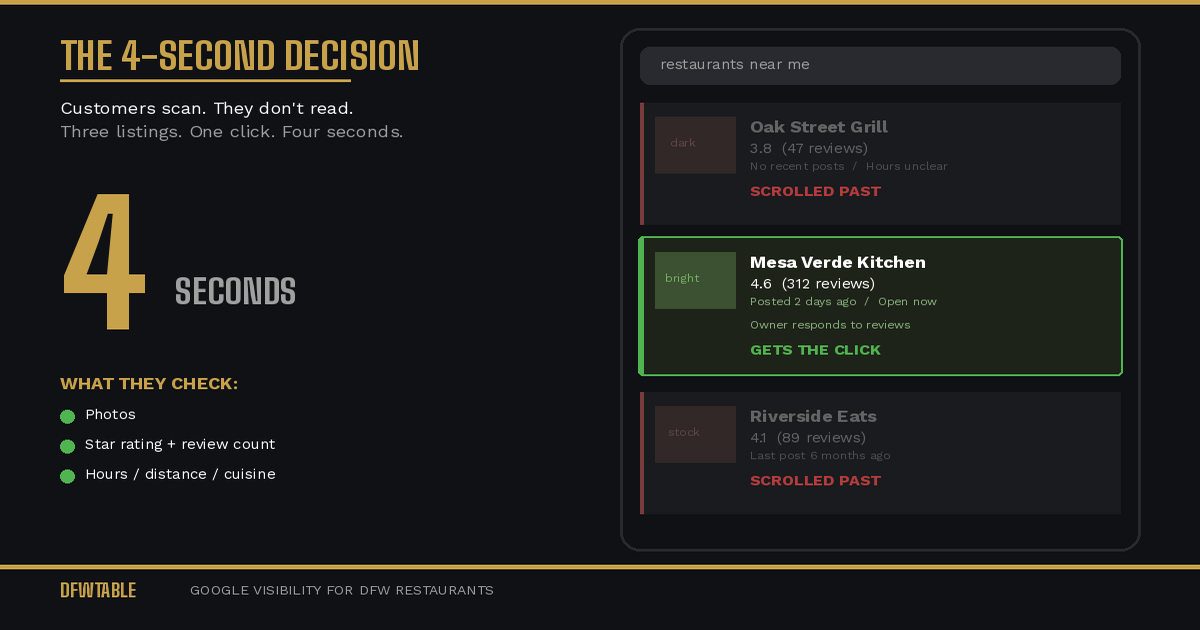
There is also a practical customer-facing reason. Repeat searchers and returning customers see the same listing over time. If your photos never change, the listing feels static. Fresh photos signal that something new is happening, a reason to come back.
What to Refresh Each Cycle
Not every photo needs to change every 60 to 90 days. Here is what to prioritize in each refresh cycle.
Every Cycle (Non-Negotiable)
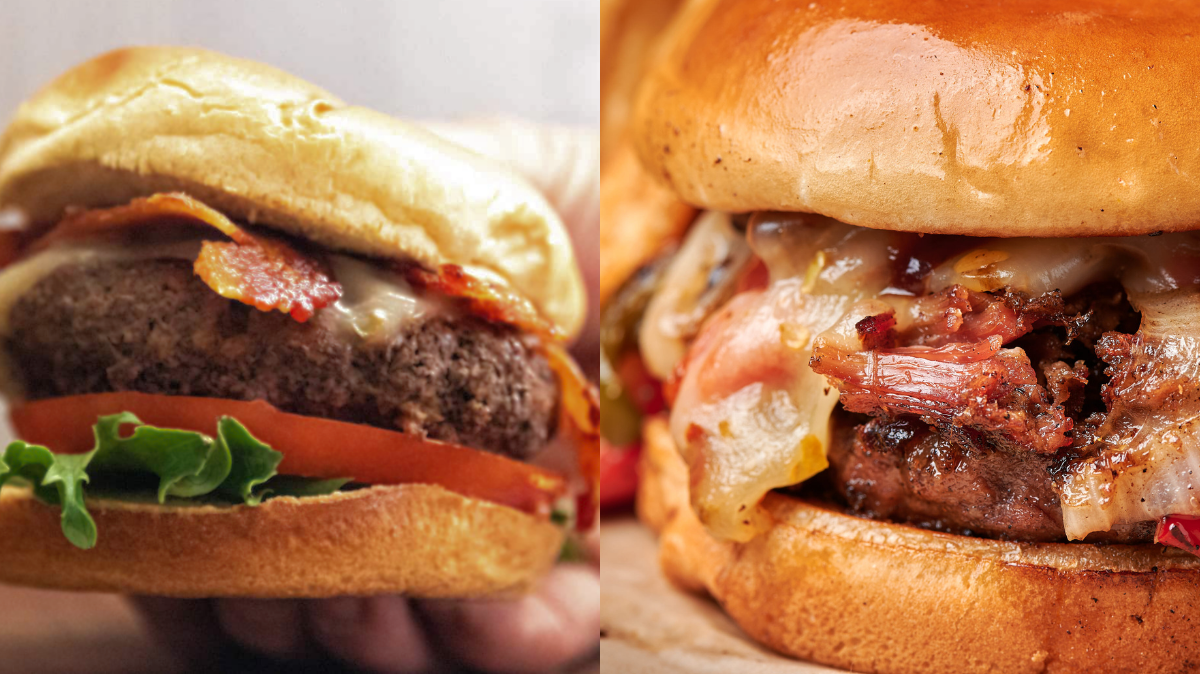
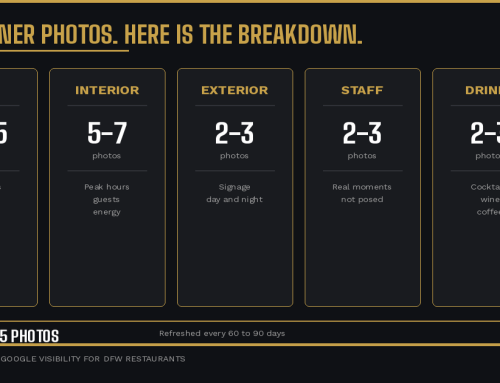
New food photos. Shoot your five best-selling dishes again, even if they have not changed. Different plating, different lighting, different angle. This gives Google new image data and keeps the food looking fresh to customers. If you have seasonal items or limited-time dishes, these are the highest priority.
One new interior photo. Even if your interior has not changed, a photo from a different angle, at a different time of day, or during a different type of service (brunch versus dinner, for example) adds variety.
Every Other Cycle
Exterior photos. Unless your signage or exterior has changed, you can refresh these every four to six months. Seasonal changes (holiday decorations, patio setup for summer, string lights at night) are worth capturing.
Staff photos. If you have had turnover, update these. If not, a new candid shot every few months keeps this category from looking staged.
As Needed
Event or special occasion photos. Wine dinners, live music nights, holiday events, private parties. Upload these within a few days of the event. They are timely, they add energy to your listing, and they show customers that your restaurant has an active calendar.
Menu change photos. Any time your menu changes significantly, your food photos should change the same week. A listing showing dishes you no longer serve is worse than having no food photos at all.
The Photo Refresh Schedule
Here is a practical calendar framework that takes about one hour per cycle:
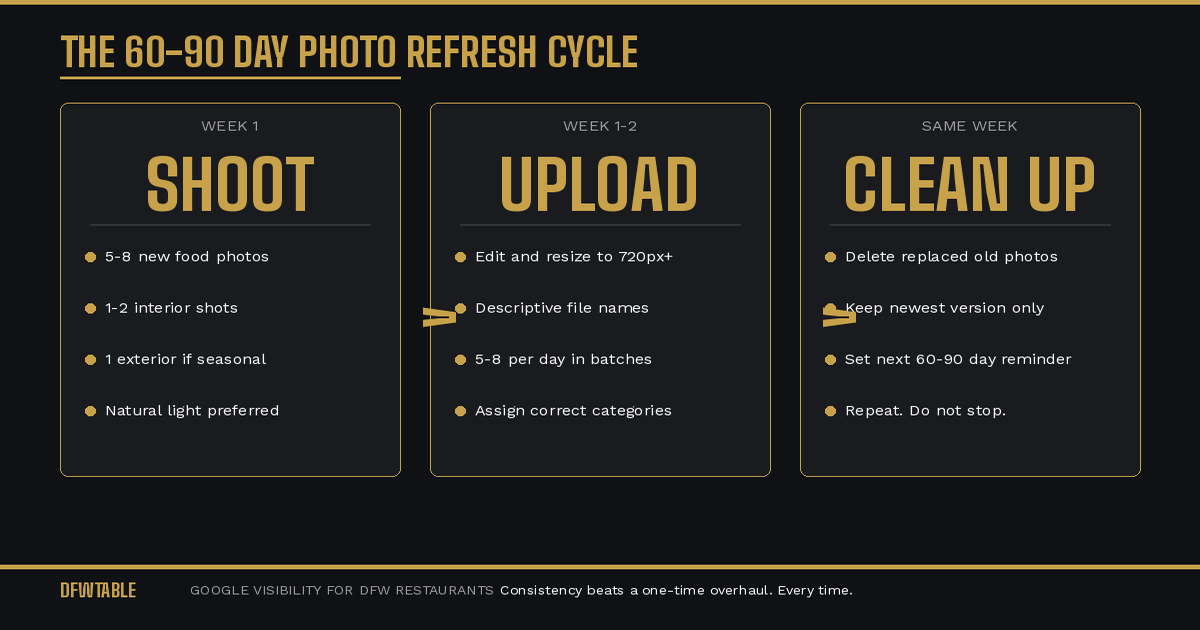
Week 1 of each cycle: Shoot new photos. Five to eight dishes, one to two interior shots, one exterior if seasonal. Use a phone with good lighting or hire a professional. Natural light near a window works better than flash.
Week 1, day 2 or 3: Edit and resize. Descriptive file names. Minimum 720 pixels wide, JPEG format, 500KB to 5MB.
Week 1 through 2: Upload in batches of five to eight per day. Assign correct categories. Do not dump them all at once.
Same week: Delete any older owner photos that have been replaced by better versions of the same subject. You want your grid to show the newest, best version of each shot, not five slightly different photos of the same salmon dish from three different refresh cycles.
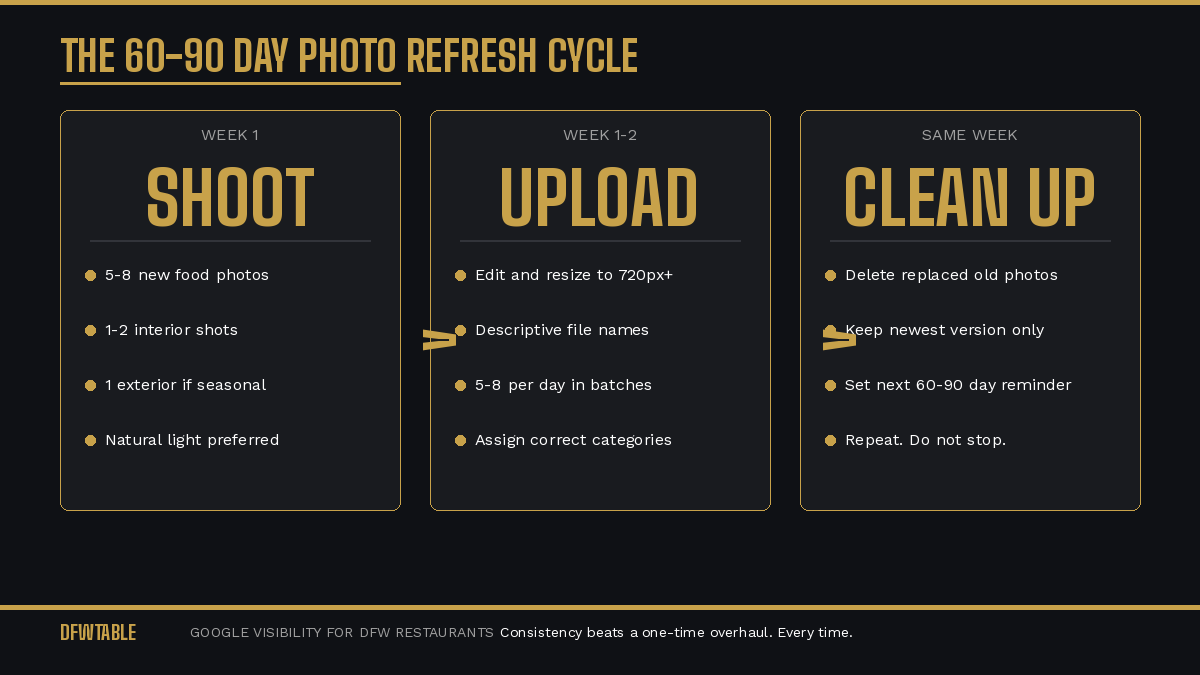
Set next reminder. 60 to 90 days from today. Put it on your calendar. If you do not schedule it, it will not happen.
What Happens When You Stop
The data on this is clear from what we see in listing audits across DFW. Restaurants that maintain a 60-to-90-day refresh cycle sustain their ranking and engagement metrics. Restaurants that do one big photo update and then stop see a slow decline over three to six months as competitors with fresher content overtake them.
It is not a dramatic drop. It is a gradual slide that is hard to notice until you realize you are no longer showing up in the Map Pack for searches that used to bring you customers every week.
The restaurants that win on Google long-term are not the ones with the single best photo set. They are the ones that show up consistently with fresh, accurate, high-quality images every quarter.
How Often Should Restaurant Update Google Photos to Stay Competitive
Some restaurant owners push back on the 60-to-90-day cycle. “I already paid for professional photos. Why would I do this again?”
Because your competitors will. Because Google rewards recency. Because your menu evolves, your interior changes with the seasons, and the energy of a restaurant in June is different from November. Professional photos from last year are better than phone photos from last year. But professional photos from last quarter beat professional photos from last year.
If budget is a concern, alternate between professional shoots and high-quality phone photos. The professional shots anchor your grid, and the phone photos keep it fresh between shoots.
Where This Fits in Your Overall GBP Strategy
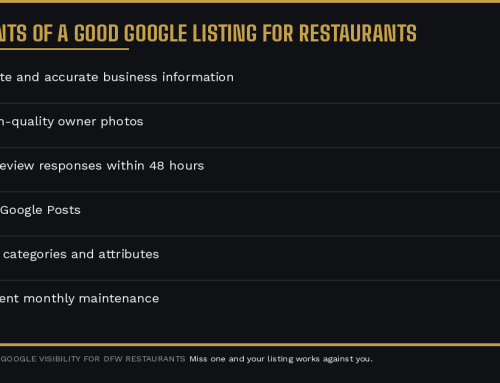
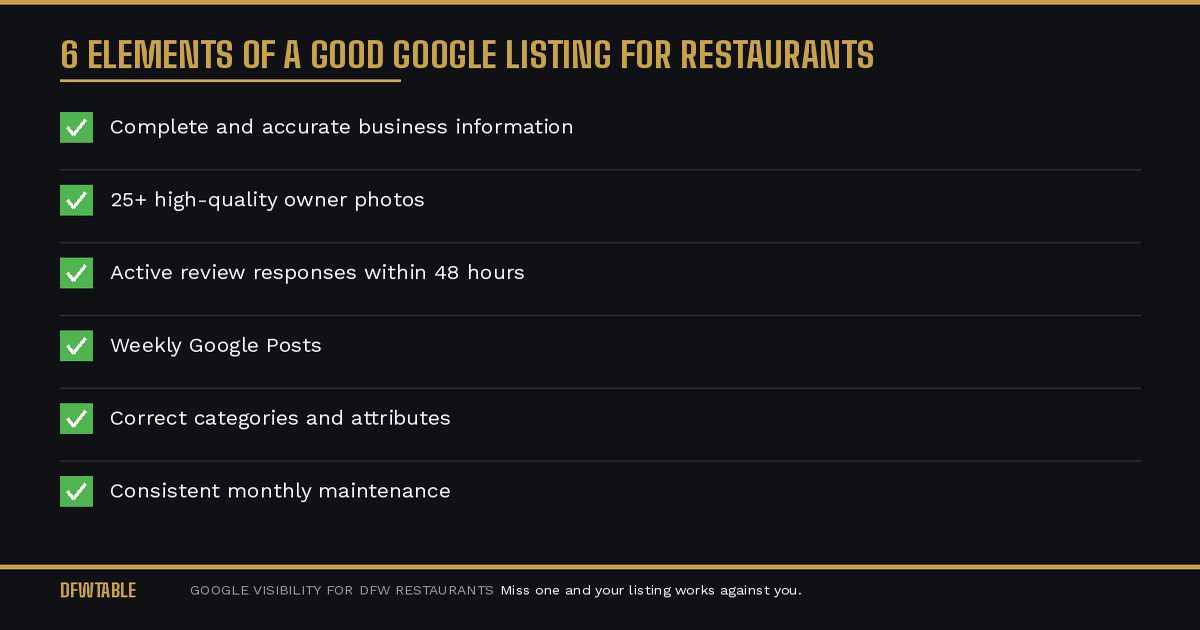
Photo freshness is one piece of a larger system. It works best when combined with weekly Google Posts, active review responses, and accurate business information. A listing that has great new photos but has not responded to a review in three months is still underperforming.
For the complete picture, see our guides on what makes a good Google listing and the five GBP mistakes that cost restaurants customers. If you need help with the full photo strategy, our guide on how to fix restaurant Google photos covers the audit-to-upload process step by step.
If your DFW restaurant needs a visibility partner to handle GBP photo strategy on an ongoing basis, DFWTable provides Google Business Profile help for Dallas restaurants. Start with a free Google audit to find out where your listing stands before you shoot a single photo.

Leave A Comment