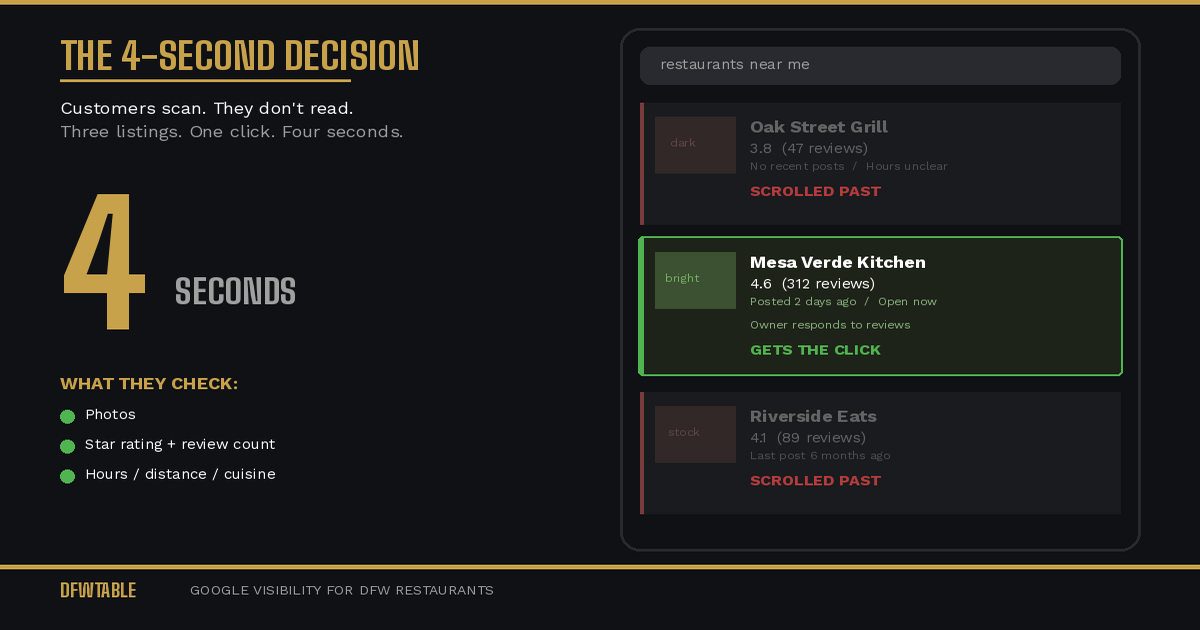
Why restaurants lose customers on Google comes down to one thing: their listing fails the four-second decision. When someone searches “restaurants near me,” they are not reading. They are scanning. And if your Google Business Profile does not pass that scan, you are invisible no matter how good your food is.
This is not about bad food or bad service. The restaurants losing the most customers on Google are often the ones with the best product. They just have the worst first impression in the one place that matters most.
The Four-Second Decision
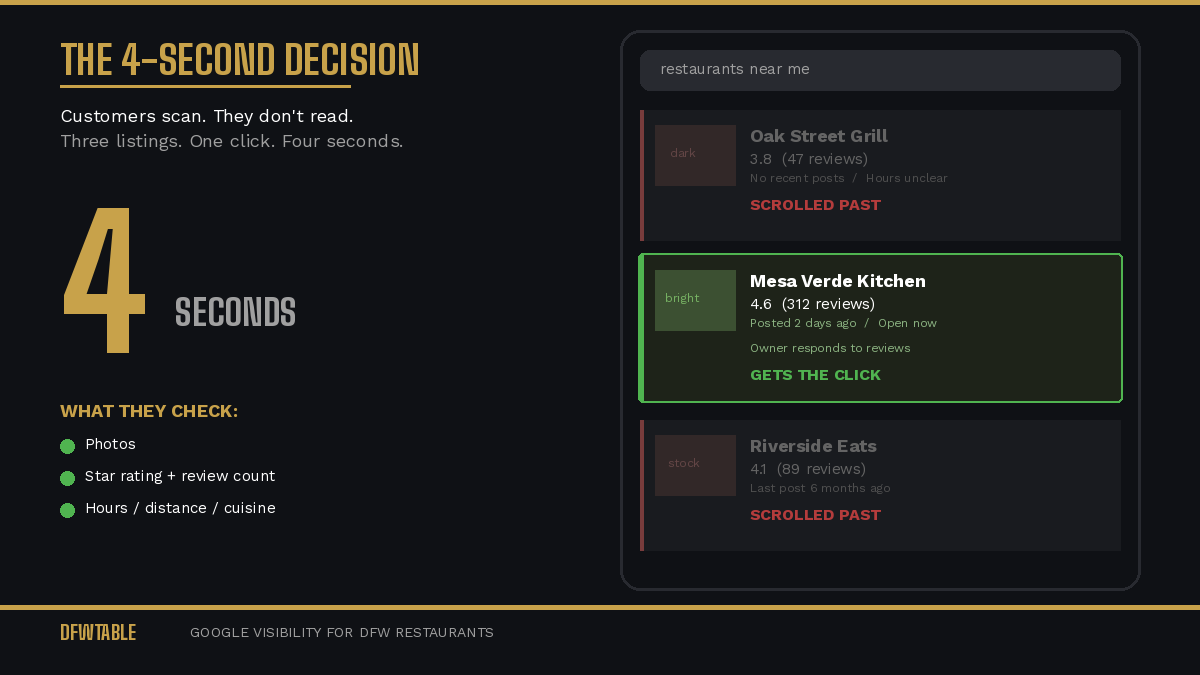
Research on consumer search behavior shows that users spend an average of three to five seconds evaluating a local business listing before deciding to click or scroll past. In that window, they process three things:
1. Photos. Are they appetizing, current, and professional? Or dark, blurry, and old?
2. Rating and review count. Is the number high enough and recent enough to feel trustworthy?
3. Basic info. Is it open? Is it close? Does it serve what they want?
That is it. They are not reading your business description. They are not clicking through to your website. They are making a gut decision based on visual and social signals. If your listing does not win that decision, the customer goes to the next result. They never knew you existed.
Where the Breakdown Happens
Your Photos Are Doing the Opposite of Selling
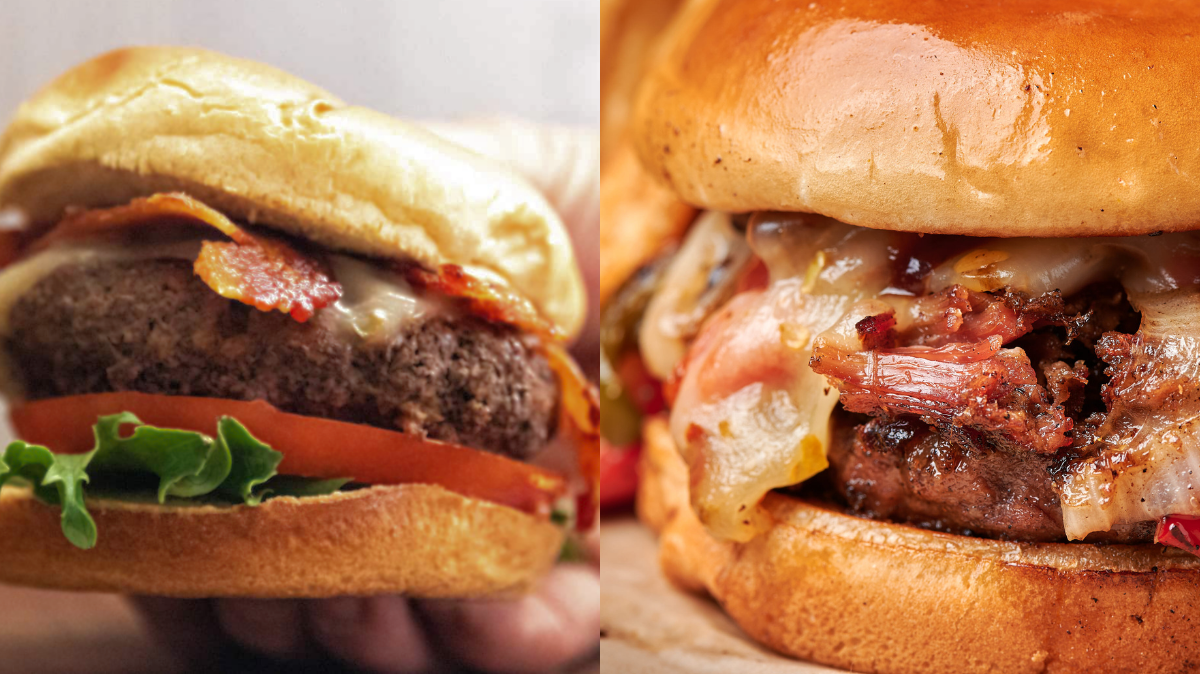
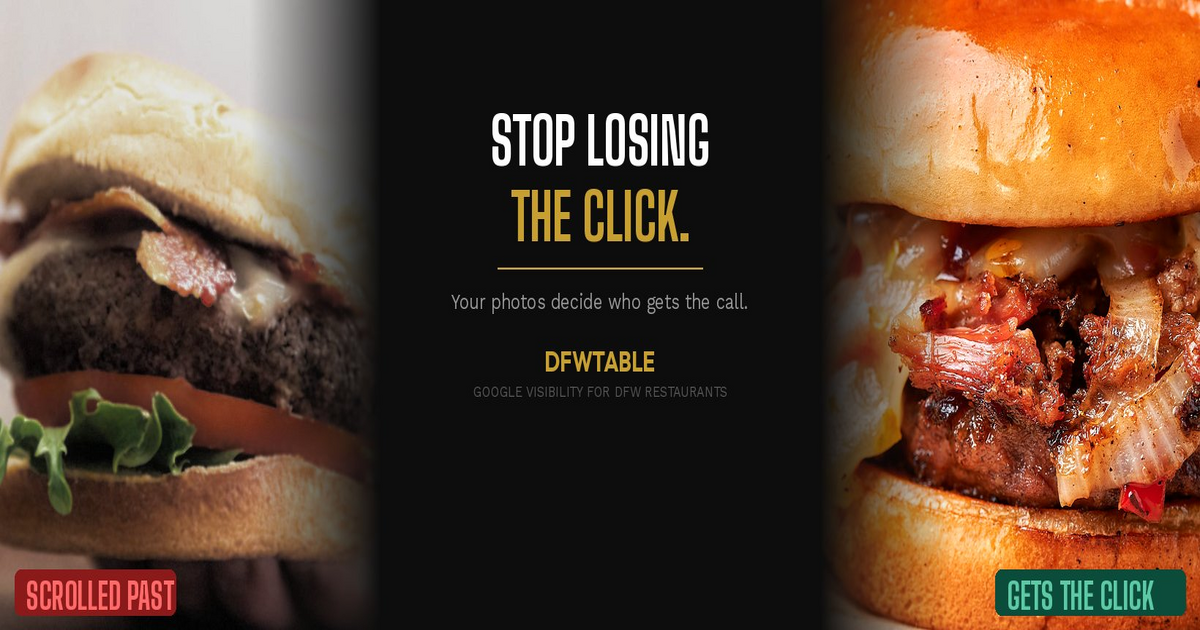
The number one reason restaurants lose the four-second decision is photos. Not the absence of photos, but the presence of bad ones. A single dark, unflattering photo of a dish can override ten good ones because Google’s algorithm selects which photos to display prominently, and it does not always pick your best.
Worse, if you have not uploaded enough owner photos, Google defaults to customer-uploaded images. Those might include a half-eaten plate, an unflattering angle, or a photo of your parking lot. The customer scanning your listing does not know who uploaded what. They just see a bad photo and scroll.
Your Reviews Tell a Story You Are Not Managing
A 4.2-star rating with 300 reviews looks healthy on the surface. But if the most recent ten reviews are 3 stars or lower and none of them have owner responses, the story your listing tells is: this place is slipping, and nobody there cares.
Google surfaces recent reviews prominently. Customers read them. And the absence of owner responses reads as indifference. You might have a great reason for those three-star reviews, but if you are not responding, no one hears it.
Your Listing Looks Abandoned
Google rewards active listings. When the last Google Post is from four months ago, the hours have not been updated to reflect your new Tuesday closure, and the menu link goes to a PDF from 2023, your listing sends a signal: this business might not be paying attention.
Customers pick up on that signal subconsciously. They are choosing between three or four restaurants in the same search result, and the one that looks current, active, and maintained wins.
You Are Invisible in the Map Pack
The Google Map Pack (the three listings that show with the map at the top of local search results) captures the vast majority of clicks for restaurant searches. If you are not in those three spots, your visibility drops dramatically.
Getting into the Map Pack requires a combination of relevance, distance, and prominence. You cannot control distance, but relevance (how well your listing matches the search) and prominence (how well-known and well-reviewed your business is online) are both directly influenced by how well you manage your GBP.
Why Restaurants Lose Customers on Google Every Day
Every customer who scrolls past your listing is a customer you already attracted. They searched. They were hungry. They were in your area. They were ready to spend money. And your listing sent them to a competitor.
This is not a hypothetical loss. For a restaurant averaging $25 per cover, losing even five customers per day to a weak Google listing adds up to over $45,000 per year. And that number compounds because those customers who went elsewhere are now leaving reviews and uploading photos for your competitor, strengthening their listing while yours stays static.
What Actually Fixes It
The fix is not complicated. It is consistent.
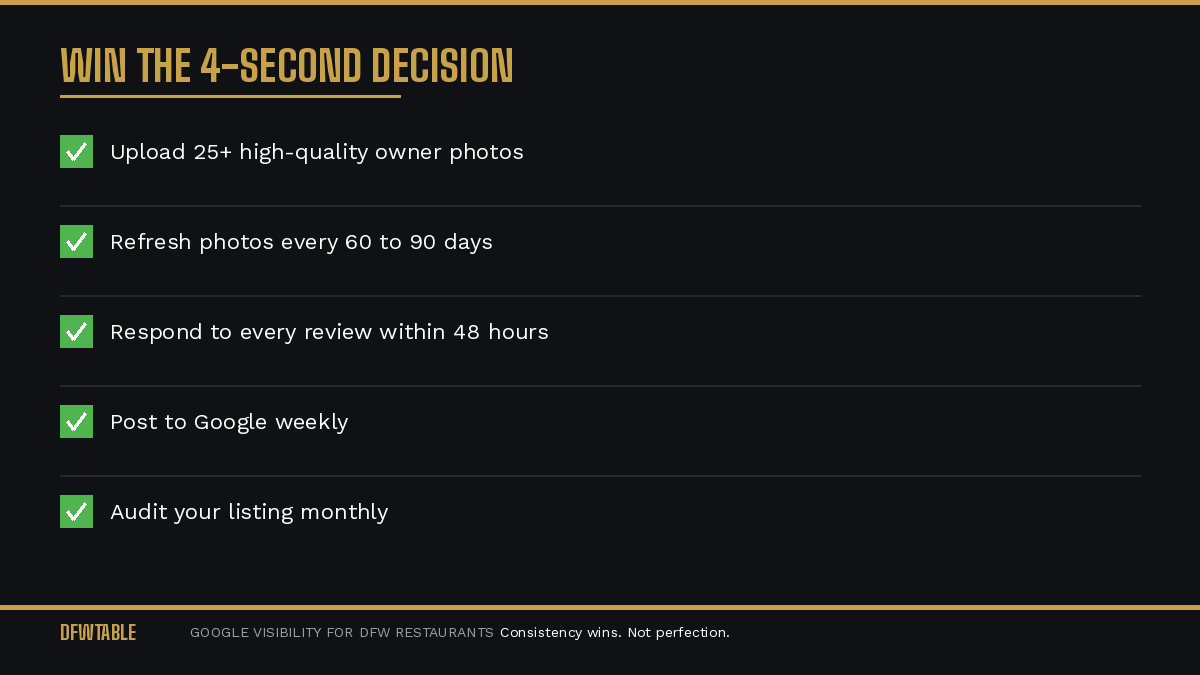
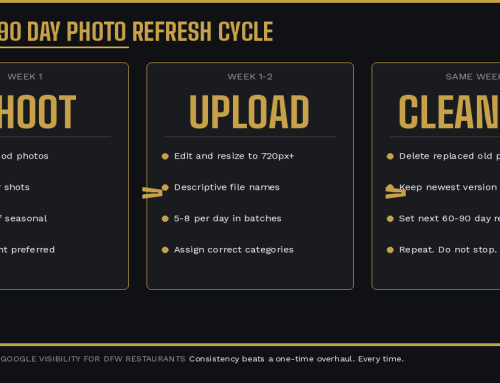
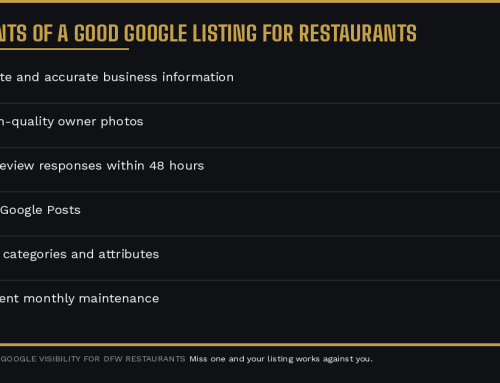
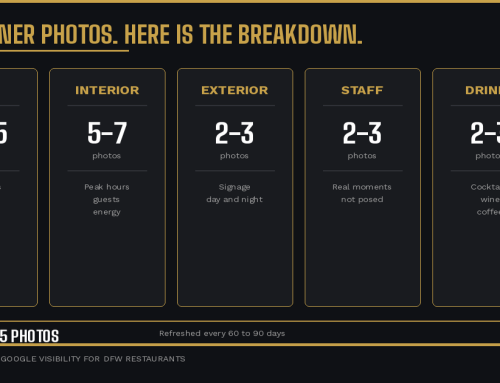
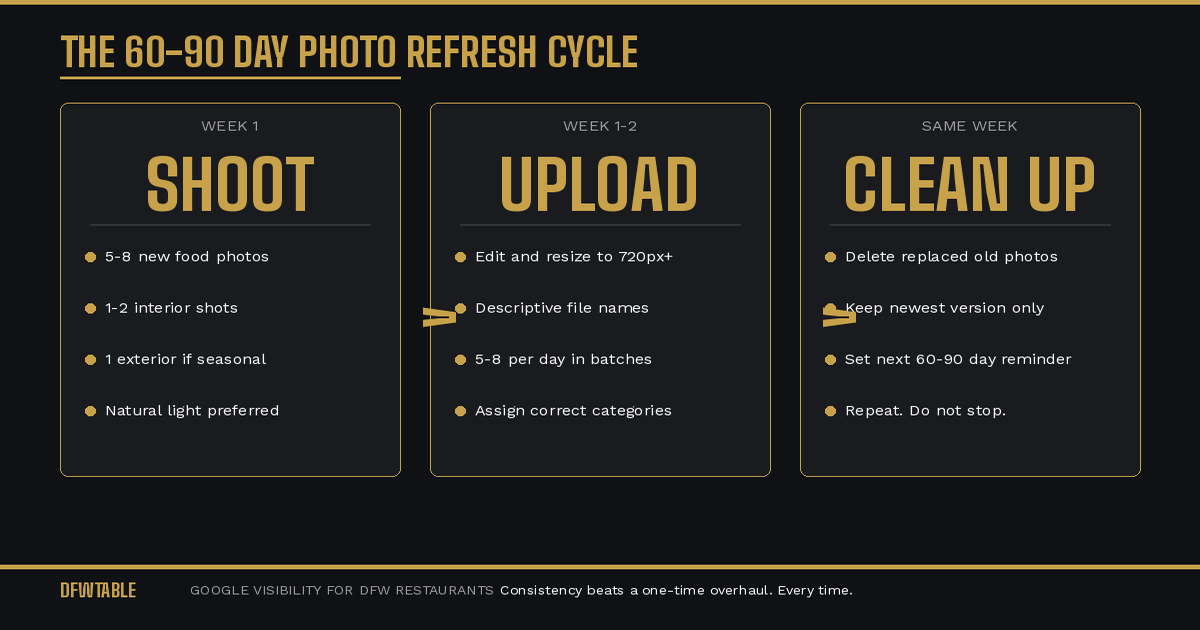
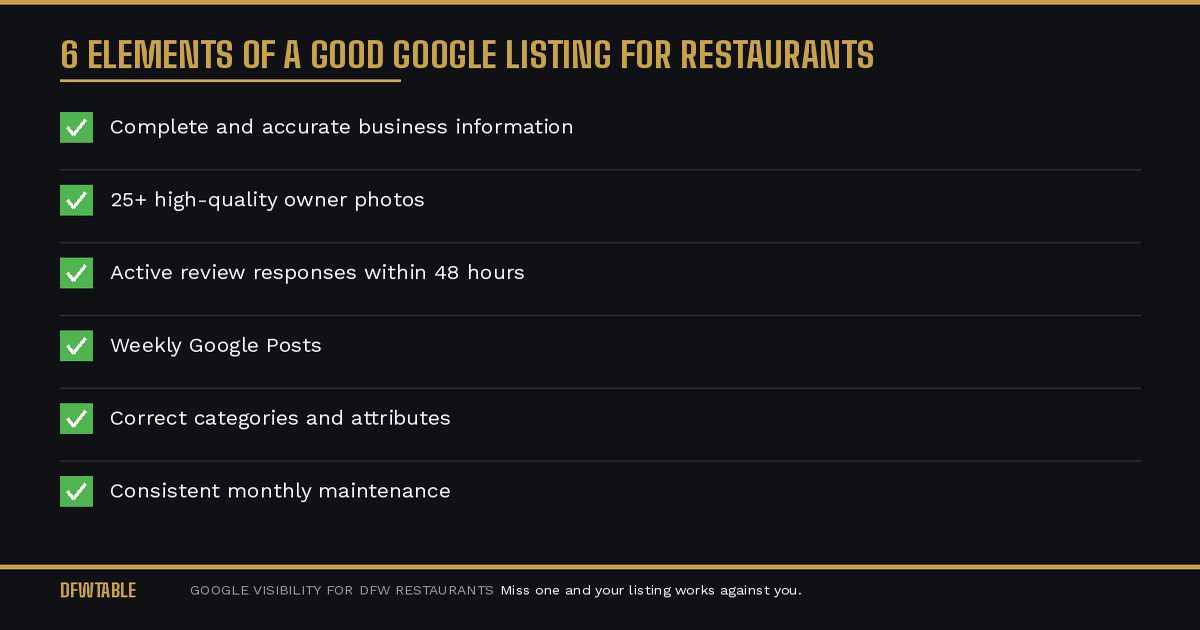
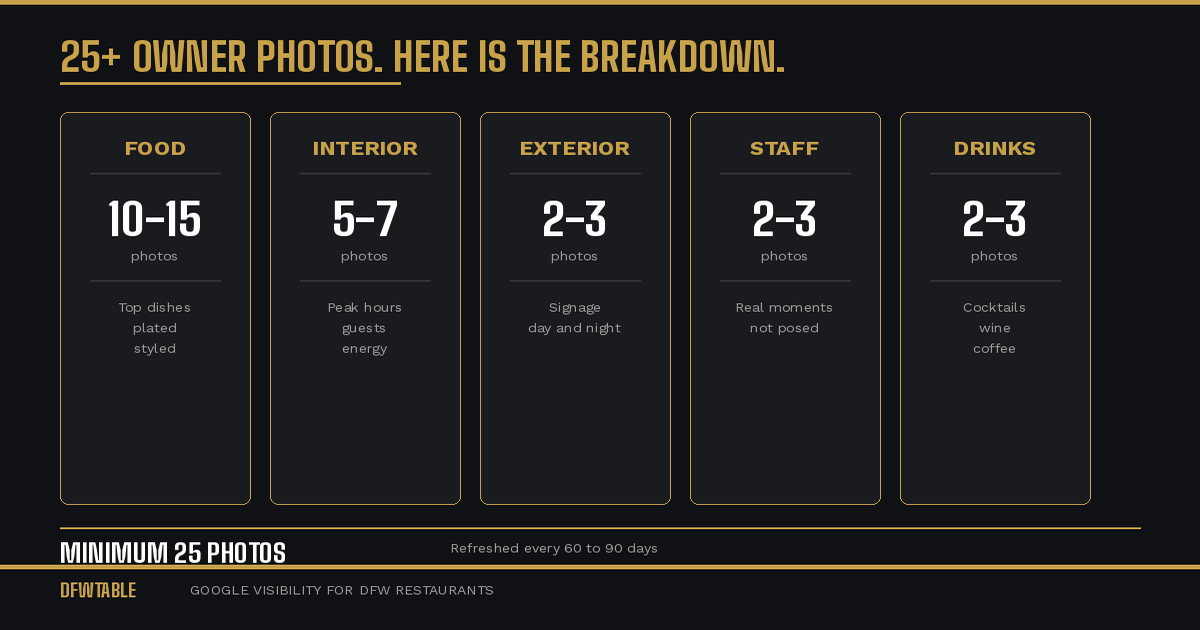
Control your photos. Upload 25 or more high-quality, current photos. Refresh them every 60 to 90 days. Make sure your best dishes, your interior at peak energy, and your exterior with clear signage are prominently represented.
Respond to every review. Within 48 hours. Reference something specific. Show customers and Google that a real person is managing this listing.
Post weekly. Google Posts keep your listing active and give you control over what customers see. Feature specials, new items, events, or seasonal menus.
Audit monthly. Check your hours, contact info, attributes, and menu link. One wrong detail can cost you more than you think.
If your DFW restaurant is losing the four-second decision, DFWTable provides Google Business Profile help for Dallas restaurants to fix the visual and informational gaps that send customers to your competitors. These are the same five common GBP mistakes we see on nearly every listing we audit. Find out where your listing stands with a free Google audit.

Leave A Comment